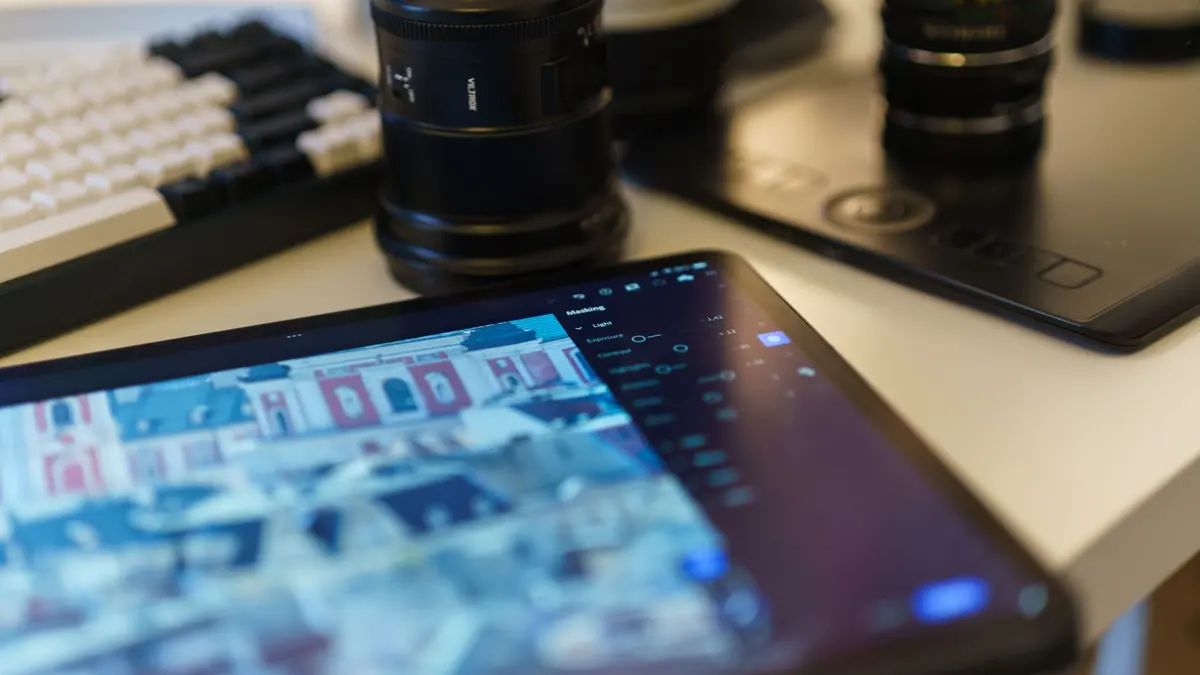
Graphic Design & Illustration school
Advanced Certificate in Adobe Lightroom & Photo Editing
For editors who already know the Develop panel.
An advanced Lightroom course that picks up where the first certificate stops: local masking, presets, batch editing, tethered capture and the cloud round trip.
Overview
What this advanced Lightroom course covers
This advanced Lightroom course is for photographers who can already import, cull and work the Develop panel and want the speed and control that comes next. Nothing here revisits the Basic panel. The second lesson assumes you know it, which is exactly why the course can go as deep as it does.
Masking is the heart of it: graduated, radial and color masks, and an editing order you can defend rather than fiddle into place. Around that sits everything either side of a single edit, from metadata presets and two-pass culling to camera calibration, tethered capture, and sharpening set against noise reduction. Then it scales, with presets, syncing a whole set from one frame, the Print module and the full cloud round trip.
Outcomes
What you will be able to do
Requirements
Course requirements
- The first Lightroom certificate finished, or the same ground covered elsewhere. This course assumes importing, the Library, the Basic panel and cropping.
- Lightroom Classic on a computer, which is where most of the course happens.
- An Adobe account you can sign into at lightroom.com and Lightroom on your phone, for the cloud module.
- About twenty of your own photographs, including a landscape with a bright sky and a portrait. Raw files if you have them.
Syllabus
Adobe Lightroom & Photo Editing curriculum
43 recorded video lessons you follow along in the software, at your own pace. Quizzes through each module check what stuck, and a 20-question final exam earns your certificate.
1Advanced Lightroom Course Orientation5 lessons · 4 videos · quiz
- Introduction to Advanced Lightroom (reading)
- Advanced Course Welcome (video lesson, 11 minutes 37 seconds)
- Understanding Lightroom Classic and Lightroom Desktop (video lesson, 15 minutes 14 seconds)
- Understanding RAW, JPEG and DNG Files (video lesson, 25 minutes 19 seconds)
- Understanding XMP Files (video lesson, 12 minutes 55 seconds)Quiz
2Advanced Lightroom Classic Tools6 lessons · 6 videos · 3 quizzes
- Introduction to Advanced Lightroom Classic Tools (video lesson, 4 minutes 22 seconds)
- Organizing Photos into Collections (video lesson, 7 minutes 17 seconds)
- Finding Photos with Ratings, Flags and Filters (video lesson, 9 minutes 51 seconds)
- Using Camera Calibration (video lesson, 28 minutes 46 seconds)Quiz
- Tethering a Camera to Lightroom (video lesson, 14 minutes 46 seconds)Quiz
- Tethering a Camera to Lightroom Part 2 (video lesson, 13 minutes 41 seconds)Quiz
3Advanced Lightroom Editing Techniques9 lessons · 9 videos · 5 quizzes
- Using the Graduated Filter (video lesson, 27 minutes 5 seconds)Quiz
- Using the Radial Filter (video lesson, 5 minutes 29 seconds)
- Reducing and Removing Distractions (video lesson, 25 minutes 37 seconds)
- Using Red Eye Correction (video lesson, 13 minutes 40 seconds)Quiz
- Changing Image Aspect Ratios (video lesson, 16 minutes 6 seconds)
- Working with Camera Color Profiles (video lesson, 19 minutes 23 seconds)Quiz
- Installing, Using and Creating Presets (video lesson, 14 minutes 14 seconds)
- Creating a Copyright Preset (video lesson, 12 minutes 19 seconds)Quiz
- Batch Editing to Speed Up Your Workflow (video lesson, 19 minutes)Quiz
4Advanced Retouching and Image Enhancement10 lessons · 10 videos · 6 quizzes
- Introduction to Advanced Retouching (video lesson, 4 minutes 29 seconds)
- Changing Colors in an Autumn Scene (video lesson, 18 minutes 5 seconds)Quiz
- Creating a Panoramic Image (video lesson, 15 minutes 47 seconds)Quiz
- Editing a Sunset Photo (video lesson, 15 minutes 7 seconds)
- Creating a Studio Gel Look with Lightroom Masks (video lesson, 16 minutes 16 seconds)Quiz
- Applying Sharpening and Noise Reduction (video lesson, 15 minutes 2 seconds)
- Creating a Faded Photo Effect (video lesson, 11 minutes 17 seconds)Quiz
- Creating a Soft Pastel Effect (video lesson, 21 minutes 35 seconds)
- Converting Color Photos to Black and White with Presets (video lesson, 16 minutes 33 seconds)Quiz
- Creating a Collage in Lightroom Classic (video lesson, 22 minutes)Quiz
5Course Conclusion and Next Steps2 lessons · 2 videos · quiz
- Building Your Online Photography Presence (video lesson, 11 minutes 17 seconds)
- Course Completion and Next Steps (video lesson, 3 minutes 17 seconds)Quiz
6Advanced Lightroom Mobile Workflow8 lessons · 8 videos · 5 quizzes
- Introduction to Advanced Lightroom Mobile (video lesson, 3 minutes 20 seconds)
- Understanding Lightroom Cloud Storage (video lesson, 13 minutes 14 seconds)
- Fixing Overexposed Photos on Mobile (video lesson, 7 minutes 42 seconds)Quiz
- Using Lightroom on the Web (video lesson, 13 minutes 44 seconds)Quiz
- Shooting and Editing RAW Photos on Mobile (video lesson, 8 minutes 36 seconds)Quiz
- Syncing Presets Across Desktop and Mobile (video lesson, 9 minutes 56 seconds)Quiz
- Syncing Lightroom Mobile with Desktop (video lesson, 9 minutes 4 seconds)
- Using Sensei Search (video lesson, 19 minutes 26 seconds)Quiz
7Bonus Speed Editing Demonstrations4 lessons · 4 videos
- Lightroom Classic Retouching Speed Edit (video lesson, 62 minutes 40 seconds)
- Lightroom Classic Style Recreation Speed Edit (video lesson, 82 minutes 25 seconds)
- Lightroom Mobile Style Editing Speed Edit (video lesson, 50 minutes 27 seconds)
- Lightroom Desktop Editing Speed Edit (video lesson, 69 minutes 7 seconds)
Certificate
Earn a certificate you can show
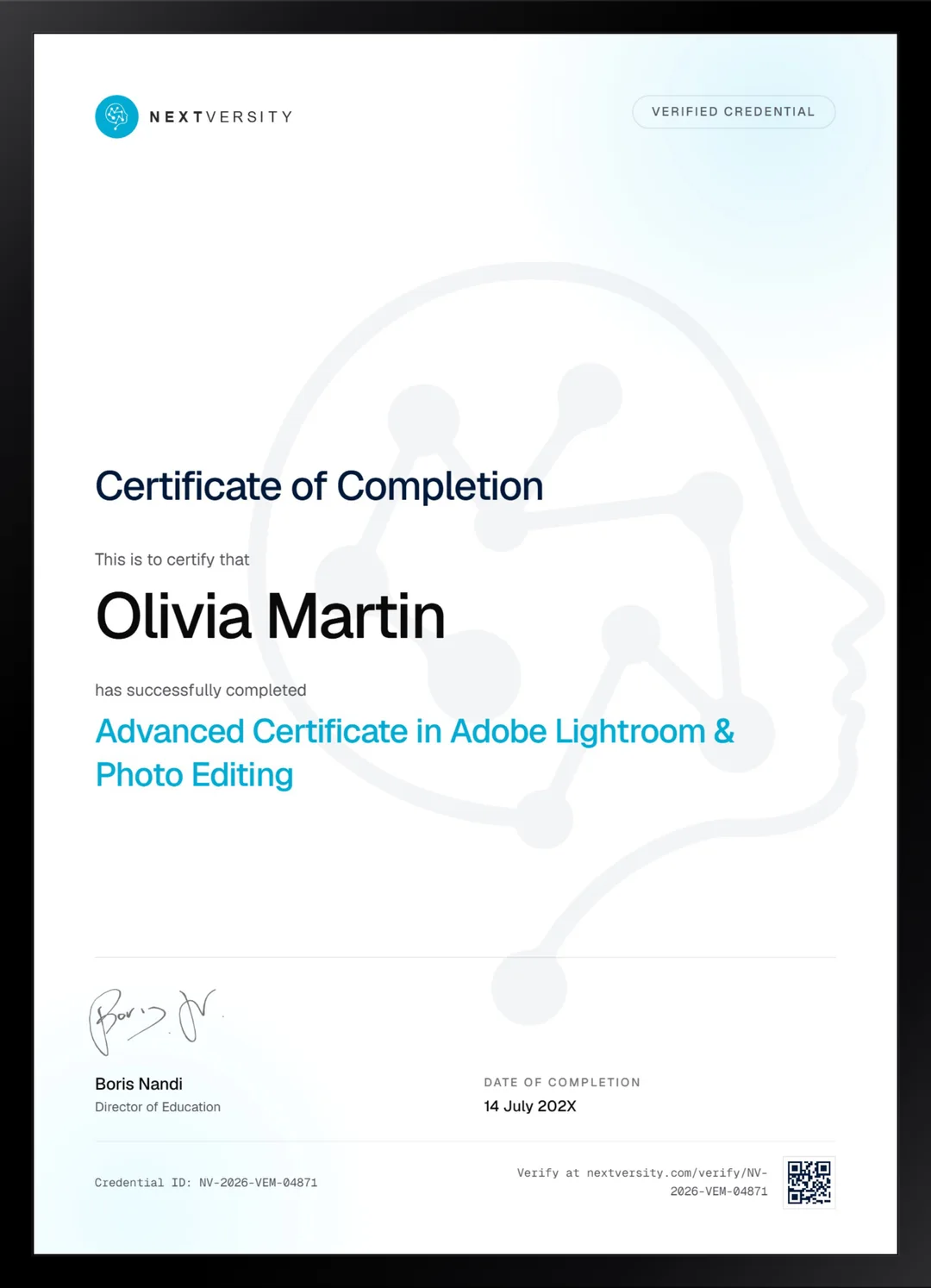
Finish the final module and your Adobe Lightroom & Photo Editing certificate is issued automatically. Download it, share it with employers and clients, or add it to your resume and LinkedIn.
Where this can take you
Skills from this school show up in roles like these. The certificate proves you finished; the projects you build are what get you hired.
- Graphic designer
- Brand and identity designer
- Social media designer
- Illustrator
- Freelance design contractor
Enroll with confidence
Enroll with confidence
Full details in the refund policy. One subscription covers this course and every other course in all 8 schools.
Pair it with
More from the Graphic Design & Illustration school
 Certificate
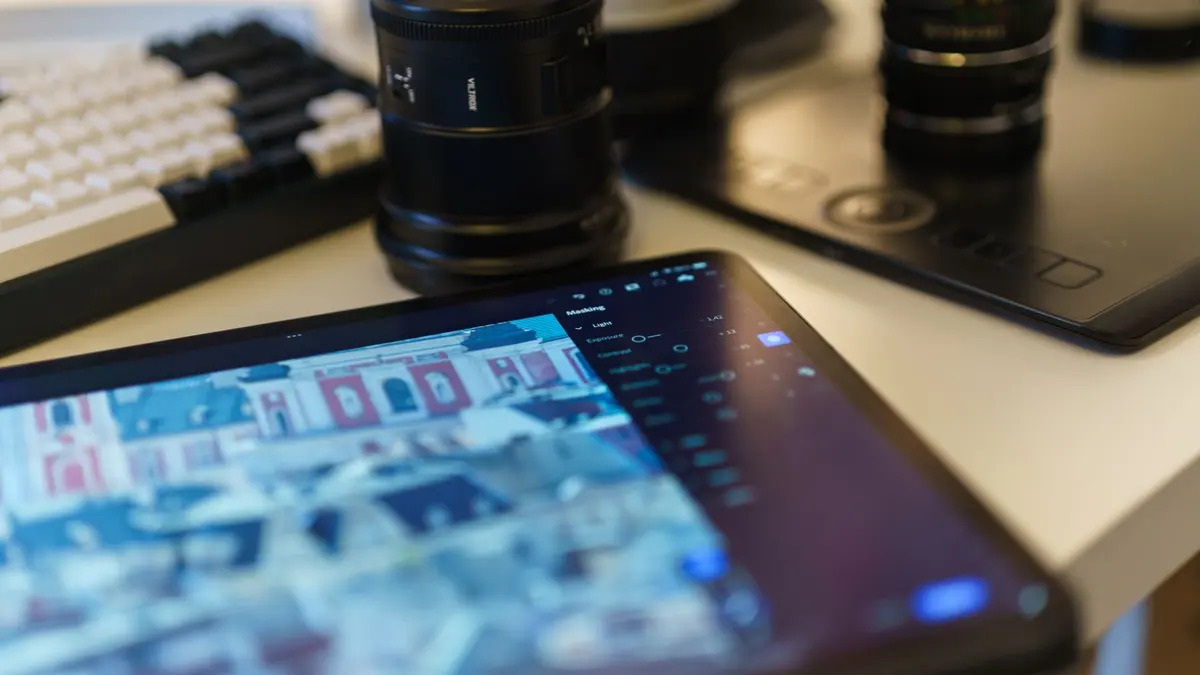
Read a photograph before you touch a slider, then work the catalog, the Develop panel, masks and exports.
131 lessonsSelf-pacedCertificate
 Certificate
Retouching, sky swaps, brand work, mockups and compositing, taught as builds rather than tool tours.
166 lessonsSelf-pacedCertificate
FAQ
Common questions about the advanced Lightroom course
Do I need the first Lightroom course before this one?
Effectively yes. The second lesson already assumes you can import, use the Library and work the Develop panel, and nothing here doubles back to cover them. If any of that is shaky, take the first certificate instead. It is in the same subscription, so there is no cost to doing them in the right order.
What does the advanced Lightroom course actually add?
Everything that happens either side of a single edit. Filing a shoot with metadata presets and collections, culling in two passes, camera calibration, tethered capture, presets and batch syncing, the Print module, and the cloud round trip between desktop, browser and phone. It is the difference between editing one photograph well and handling a whole shoot quickly.
Does it cover advanced Lightroom masking and color work?
Yes, and masking is the heart of it. Graduated masks, radial masks, color masks, stacking them, and erasing one back off what it should not be touching. Alongside that you learn an editing order you can defend: profile and calibration first, then global tone, then per color, then local. That order is what stops an edit falling apart.
Does it teach presets and batch editing?
Yes, and this is the practical payoff for anyone shooting volume. You build a preset from an edit you already made, keeping only the settings you deliberately changed rather than baking in everything, then sync an entire set from a single frame. For a wedding, an event or a product shoot, that is hours back every time.
Can I take this course if I only edit on my phone?
Probably not, and it is better to know that now. A small number of lessons run on a phone or in a browser, and the large majority are Lightroom Classic on a computer. If the phone is genuinely your only device, the first Lightroom certificate serves you far better, since it dedicates whole modules to mobile editing.
Do I need a camera that shoots tethered?
Only for the tethering lessons, and everything else is followable without one. If you have a camera that shoots raw and a cable, those lessons become genuinely useful for studio and product work. If you do not, watch them for the workflow and move on. Nothing later in the course depends on having done it yourself.
Is there a separate certificate for the advanced course?
Yes, separate from the first one and included in the same subscription. Modules carry quizzes at a 75% pass mark that never block your progress, and a twenty question final exam opens once every lesson and quiz is complete. Passing it issues a certificate with a verification code and a public link anyone can check.
Free info pack
Not ready to enroll? Start with the guide.
The full curriculum for this course, what you'll build, and how it fits with the rest of the school, in one short guide.