Make design work people remember
Photoshop, Illustrator, Canva, Figma, Procreate and more. Learn the tools designers actually use, by making real work.
Why this school
Make design work people remember.
Graphic design is a portfolio skill: you get good by making things, and you get hired by showing them. Every course in this school is built around finished pieces (social graphics, brand marks, UI screens, character art), not theory for its own sake.
Start with the tool that matches your goal. Canva if you need results this week, Photoshop or Illustrator if you want the industry standard, Figma or Adobe XD for product design, Procreate for illustration. One subscription covers all of them, so switching lanes costs nothing.
The courses
Start where it makes sense for you
 Certificate
Retouching, sky swaps, brand work, mockups and compositing, taught as builds rather than tool tours.
167 lessonsSelf-pacedCertificate
 Certificate
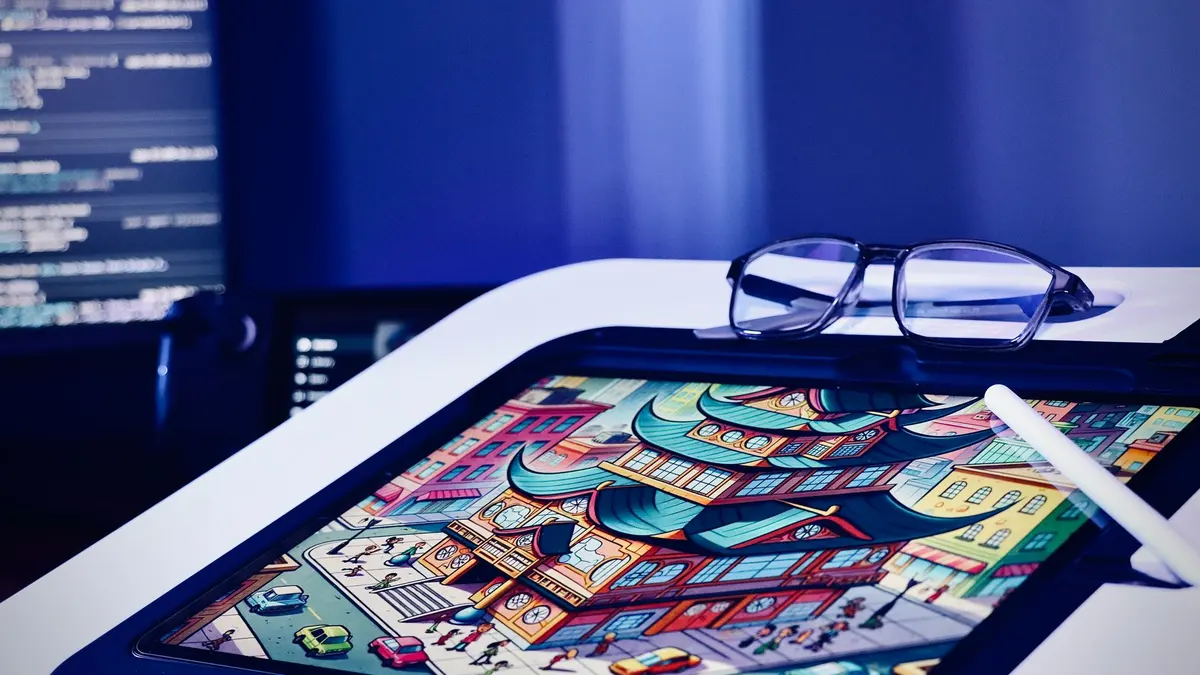
Pen tool, logos, icons, type, patterns, gradient mesh and isometric scenes, built rather than demonstrated.
133 lessonsSelf-pacedCertificate
 Certificate
Design principles taught once, then applied to social, print, documents, video and product mockups.
161 lessonsSelf-pacedCertificate
 Certificate
UX theory, wireframes, auto layout, components, prototypes and design systems, ending in six real builds.
116 lessonsSelf-pacedCertificate
 Certificate
The full interface design process in a short course. Adobe has discontinued XD, so learn Figma for the tool.
43 lessonsSelf-pacedCertificate
 Certificate
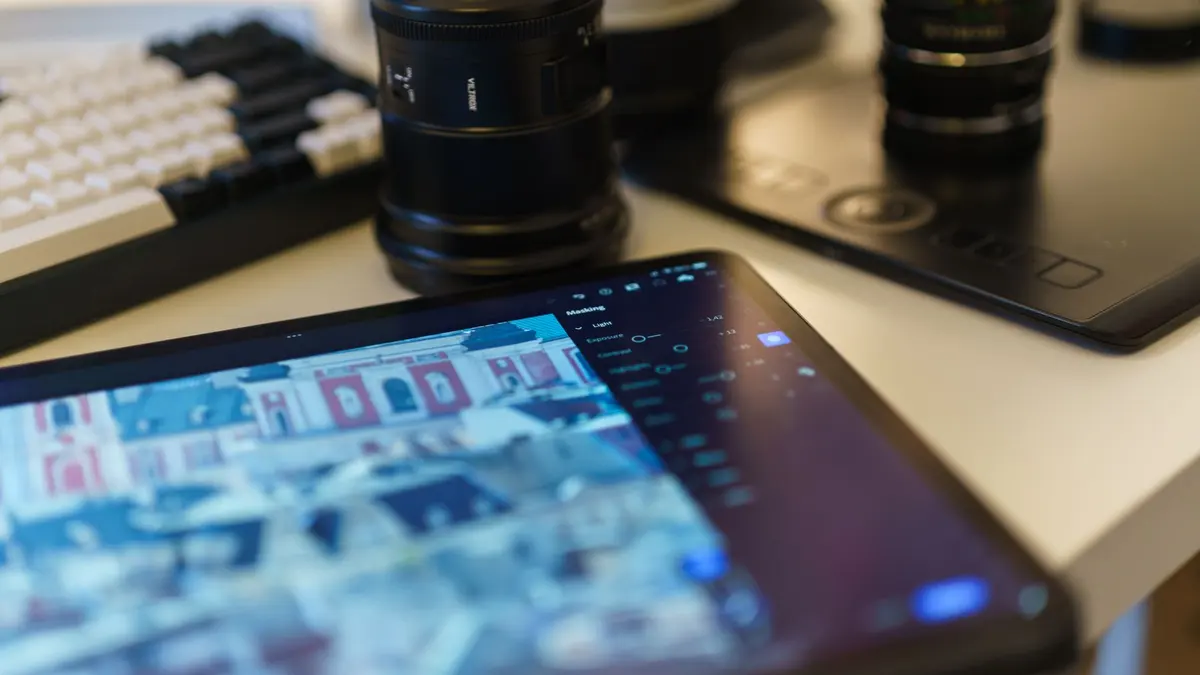
Read a photograph before you touch a slider, then work the catalog, the Develop panel, masks and exports.
131 lessonsSelf-pacedCertificate
 Advanced
For editors already at home in the Develop panel: masks, presets, batch edits, tethering and the cloud.
45 lessonsSelf-pacedCertificate
 Certificate
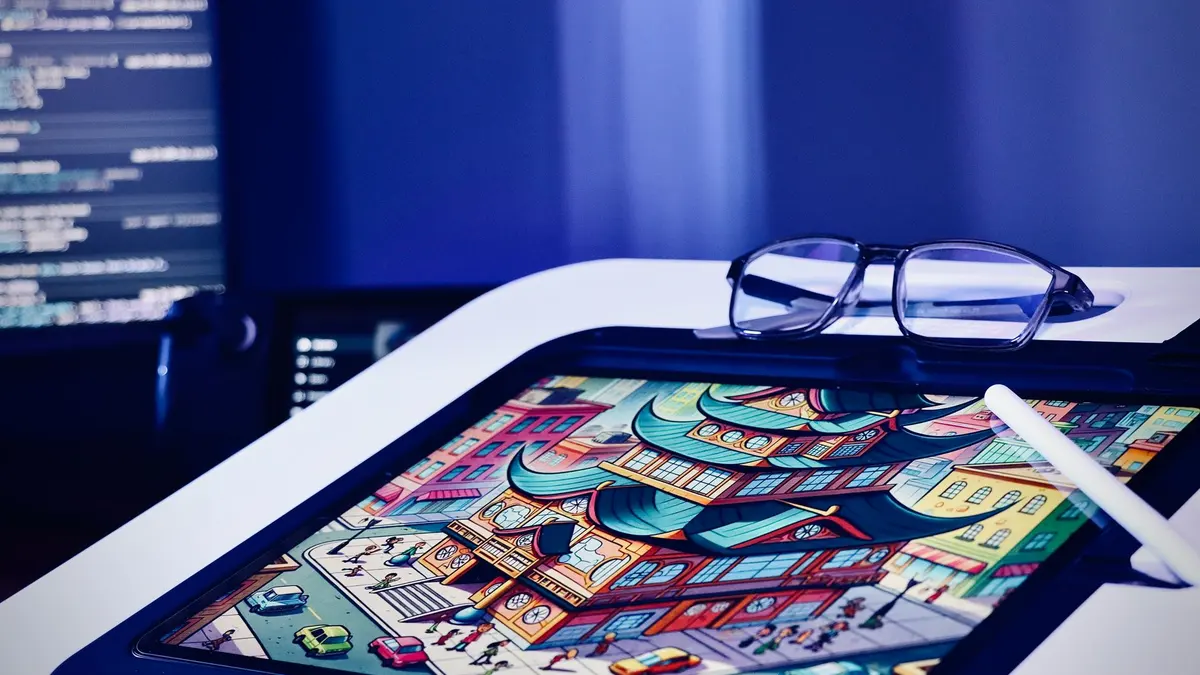
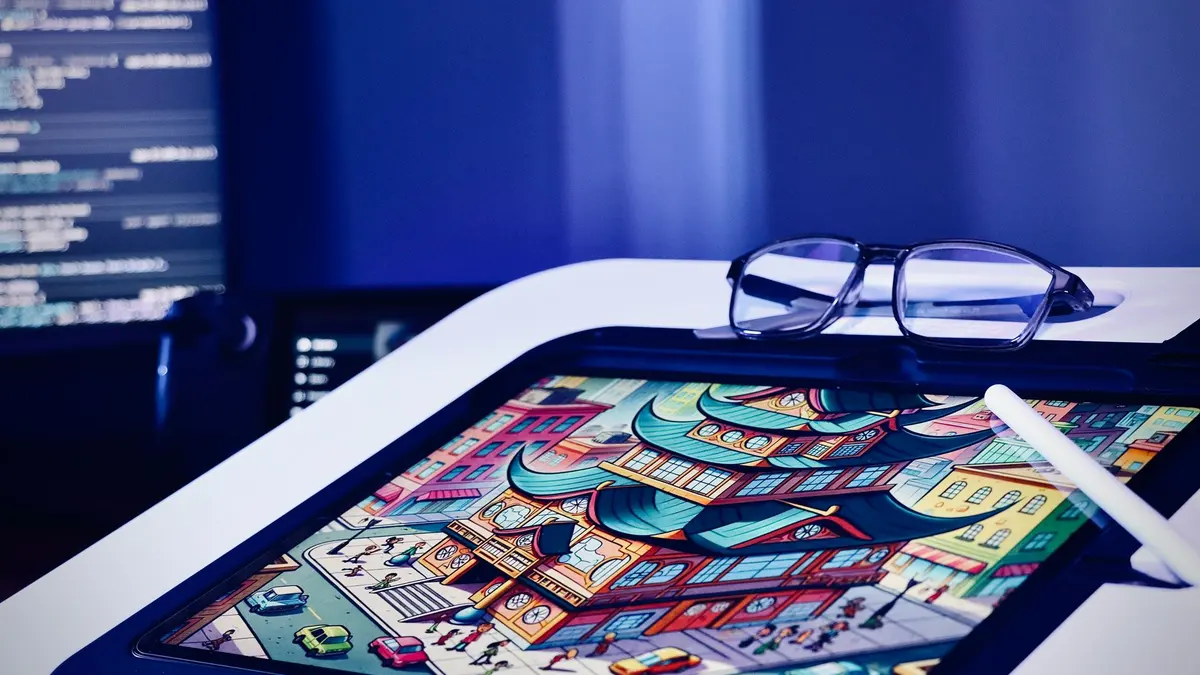
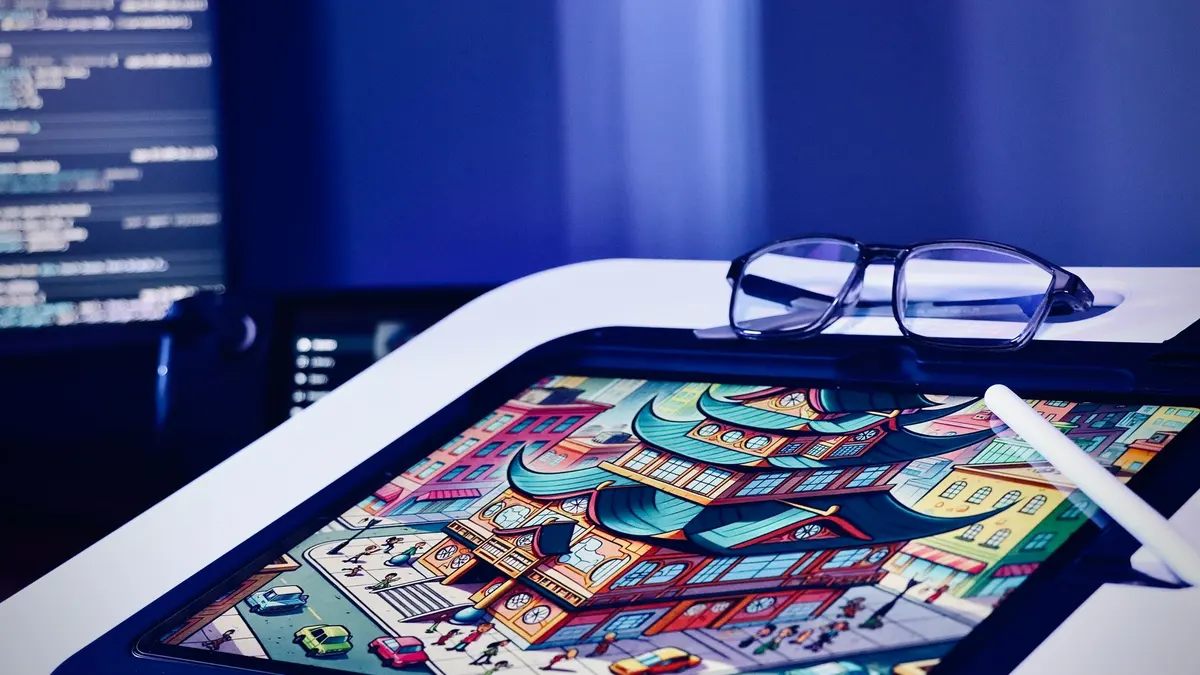
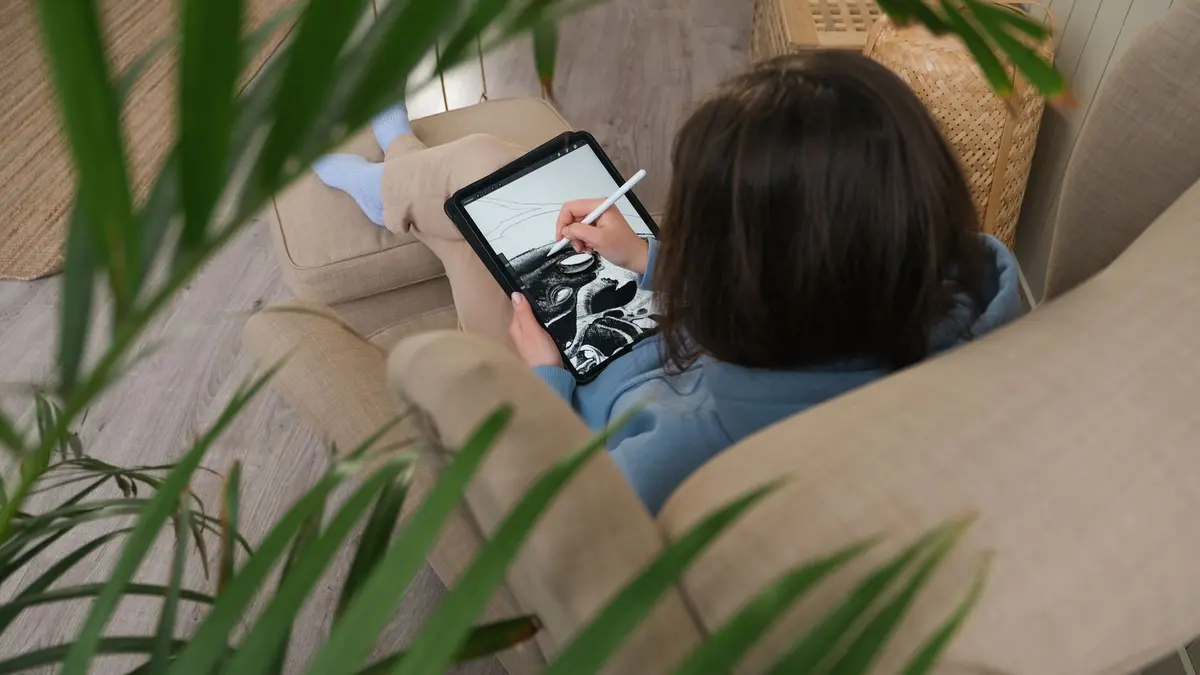
Learn the iPad app in two modules, then draw: twelve illustration styles, animation and portrait work.
50 lessonsSelf-pacedCertificate
 Certificate
From single pixels to game-ready asset sets: sprites, walk cycles, tile sheets, icons and five game views.
65 lessonsSelf-pacedCertificate
 Certificate
Photoshop brushes first, then shapes, characters, manga styles, backgrounds and one finished comic page.
69 lessonsSelf-pacedCertificate
 Certificate
Silhouette, shape, value and anatomy taught as one process, ending in a character you designed yourself.
51 lessonsSelf-pacedCertificate
All 11 courses are included in the one subscription. See pricing

Before you start
Questions people ask about Graphic Design & Illustration
Which design software should I learn first?
Start with the tool that matches the work you want to make, not the one with the biggest name. Canva if you need finished posts and flyers this month, Photoshop for photo work and single images, Illustrator for logos and anything that has to scale, Figma for app and website screens, Procreate if you want to draw on an iPad. One subscription covers all of them, so a wrong first pick costs you a week, not money.
Can I learn graphic design with no experience?
Yes, and that is the assumed starting point in this school. Every course opens at the interface, the new document dialog and the first file, and assumes nothing before it. What matters more than experience is having something real to make: a flyer, a logo, a set of posts. The courses are built around finished pieces, so you leave with work you can show rather than notes.
Do I need to buy Adobe to take these courses?
No, only some of the courses in this school need an Adobe plan. Canva and Figma both run free in a browser, and Procreate is a one-time iPad purchase rather than a subscription. Photoshop, Illustrator, Lightroom and Adobe XD are the ones that need a subscription, and the Adobe pricing page is the only reliable place to check what that costs today. If paying for Adobe is not on the table, start with Certificate in Graphic Design Using Canva.
Should I learn Photoshop or Canva?
Canva if you need finished work quickly, Photoshop if you want to edit images properly. Canva hands you templates and gets a flyer out the door in an afternoon. Photoshop teaches retouching, masking and compositing, which no template gives you. If you only need one poster by Friday, do not start a course at all: open Canva, pick a template and change the text. The course is for the skill, not the single file.
Free course guide
Not sure where to start?
Leave your details and we'll send the course guide for this school: every course, what you'll build, and how to pick your first one.