
Graphic Design & Illustration school
Certificate in Character Design & Concept Art
Fill the design solid black. If it does not read, keep working.
A character design course about process rather than software: the silhouette that makes a character recognizable, the shapes underneath it, the anatomy that holds it up, and color last.
Overview
What this character design course covers
This character design course teaches how designers actually think. Two lessons tour the software and after that the tools stop being the subject entirely. What you learn instead is why some characters are instantly recognizable and others are just drawings, starting with the silhouette and one habit that changes everything: fill the drawing solid black and see whether it still reads.
Values come before color, built in grayscale with color added on a clipped overlay so one pass supports several versions. Creature design runs a complete pipeline from reference and skeleton study to a finished colored design, and anatomy teaches construction from rib cage, pelvis and joints so a figure holds up at awkward angles. It ends on a character of your own, which is the piece you show people.
Outcomes
What you will be able to do
Requirements
Course requirements
- A drawing tablet with pressure sensitivity. Every lesson on screen is drawn with pen pressure.
- One painting program, Clip Studio Paint or Photoshop, whichever you already have. The course repeats that the choice does not matter.
- Enough line control to draw a steady curve. This course teaches design rather than how to hold a pen.
- A character you actually want to make. The last module sets a final assignment, and your own idea makes it a portfolio piece.
Syllabus
Character Design & Concept Art curriculum
49 recorded video lessons you follow along in the software, at your own pace. Quizzes through each module check what stuck, and a 20-question final exam earns your certificate.
1Course Orientation and Character Design Foundations9 lessons · 8 videos · 2 quizzes
- Welcome (reading)
- Introduction to Character Design (video lesson, 1 minute 17 seconds)
- Understanding Character Design (video lesson, 16 minutes)
- Using Clip Studio Paint for Character Design (video lesson, 32 minutes 57 seconds)
- Using Photoshop for Character Design (video lesson, 11 minutes 21 seconds)Quiz
- Understanding Shape and Form (video lesson, 23 minutes 40 seconds)
- Drawing Practice Exercise Part 1 (video lesson, 59 minutes 22 seconds)
- Drawing Practice Exercise Part 2 (video lesson, 48 minutes 51 seconds)
- Drawing Practice Exercise Part 3 (video lesson, 45 minutes 9 seconds)Quiz
2Concept Art Fundamentals and Visual Development13 lessons · 13 videos · 2 quizzes
- Introduction to Concept Art Fundamentals (video lesson, 48 minutes 46 seconds)
- Understanding Values in Concept Art (video lesson, 51 minutes)
- Value Study Exercise: Objects (video lesson, 44 minutes 59 seconds)
- Choosing References for Value Studies Part 1 (video lesson, 42 minutes 34 seconds)Quiz
- Choosing References for Value Studies Part 2 (video lesson, 40 minutes 47 seconds)
- Experimenting with Value Studies Part 1 (video lesson, 30 minutes 24 seconds)
- Experimenting with Value Studies Part 2 (video lesson, 25 minutes 6 seconds)
- Adding Detail to Value Studies (video lesson, 41 minutes 25 seconds)
- Color Theory and Assignment Sketching (video lesson, 134 minutes 43 seconds)
- Color Theory Exercise: Body Shading (video lesson, 38 minutes 13 seconds)
- Color Theory Exercise: Shading Techniques (video lesson, 24 minutes 14 seconds)
- Color Theory Exercise: Applying Tattoo Details (video lesson, 14 minutes 41 seconds)
- Preparing Color Theory Work for Upload (video lesson, 6 minutes 58 seconds)Quiz
3Creature Design and Reference Development8 lessons · 8 videos · 2 quizzes
- Finding Creature Design References (video lesson, 27 minutes 32 seconds)
- Applying References to Creature Designs (video lesson, 45 minutes 8 seconds)
- Sketching and Line Development (video lesson, 17 minutes 36 seconds)
- Creating Clean Line Art (video lesson, 12 minutes 57 seconds)Quiz
- Blocking Out Creature Details (video lesson, 53 minutes 53 seconds)
- Applying Values and Details (video lesson, 61 minutes 59 seconds)
- Refining Details with Brush Techniques (video lesson, 25 minutes 55 seconds)
- Coloring and Creating Creature Variations (video lesson, 39 minutes 4 seconds)Quiz
4Anatomy, Figure Drawing and Character Construction13 lessons · 13 videos · 2 quizzes
- Anatomy Shape Exercise (video lesson, 29 minutes 48 seconds)
- Figure Drawing Study (video lesson, 46 minutes 23 seconds)
- Applying Anatomy and Values (video lesson, 24 minutes 15 seconds)
- Anatomy Exercise Part 1: Starting the Study (video lesson, 69 minutes 52 seconds)
- Anatomy Exercise Part 2: Construction and Weight (video lesson, 30 minutes 48 seconds)
- Anatomy Exercise Part 3: Art Style and Line Art Part 1 (video lesson, 52 minutes 3 seconds)Quiz
- Anatomy Exercise Part 4: Art Style and Line Art Part 2 (video lesson, 49 minutes 55 seconds)
- Anatomy Exercise Part 5: Rendering Metal (video lesson, 52 minutes 51 seconds)
- Anatomy Exercise Part 6: Hair Detailing (video lesson, 30 minutes 25 seconds)
- Anatomy Exercise Part 7: Adding Detail (video lesson, 42 minutes 15 seconds)
- Anatomy Exercise Part 8: Designing the Helmet (video lesson, 35 minutes 56 seconds)
- Anatomy Exercise Part 9: Refining Hair Details (video lesson, 29 minutes 28 seconds)
- Anatomy Exercise Part 10: Adding Color and Finalising (video lesson, 75 minutes 31 seconds)Quiz
5Final Character Design Assignment7 lessons · 7 videos · quiz
- Shape Language and Final Assignment Brief (video lesson, 8 minutes 26 seconds)
- Developing Concepts from Reference (video lesson, 57 minutes 13 seconds)
- Designing Facial Expressions (video lesson, 50 minutes 2 seconds)Quiz
- Character Study: Gengar (video lesson, 33 minutes 32 seconds)
- Character Study: Toxtricity (video lesson, 40 minutes 37 seconds)
- Adding Values and Colors (video lesson, 43 minutes 23 seconds)
- Applying Final Touches (video lesson, 2 minutes 18 seconds)
Certificate
Earn a certificate you can show
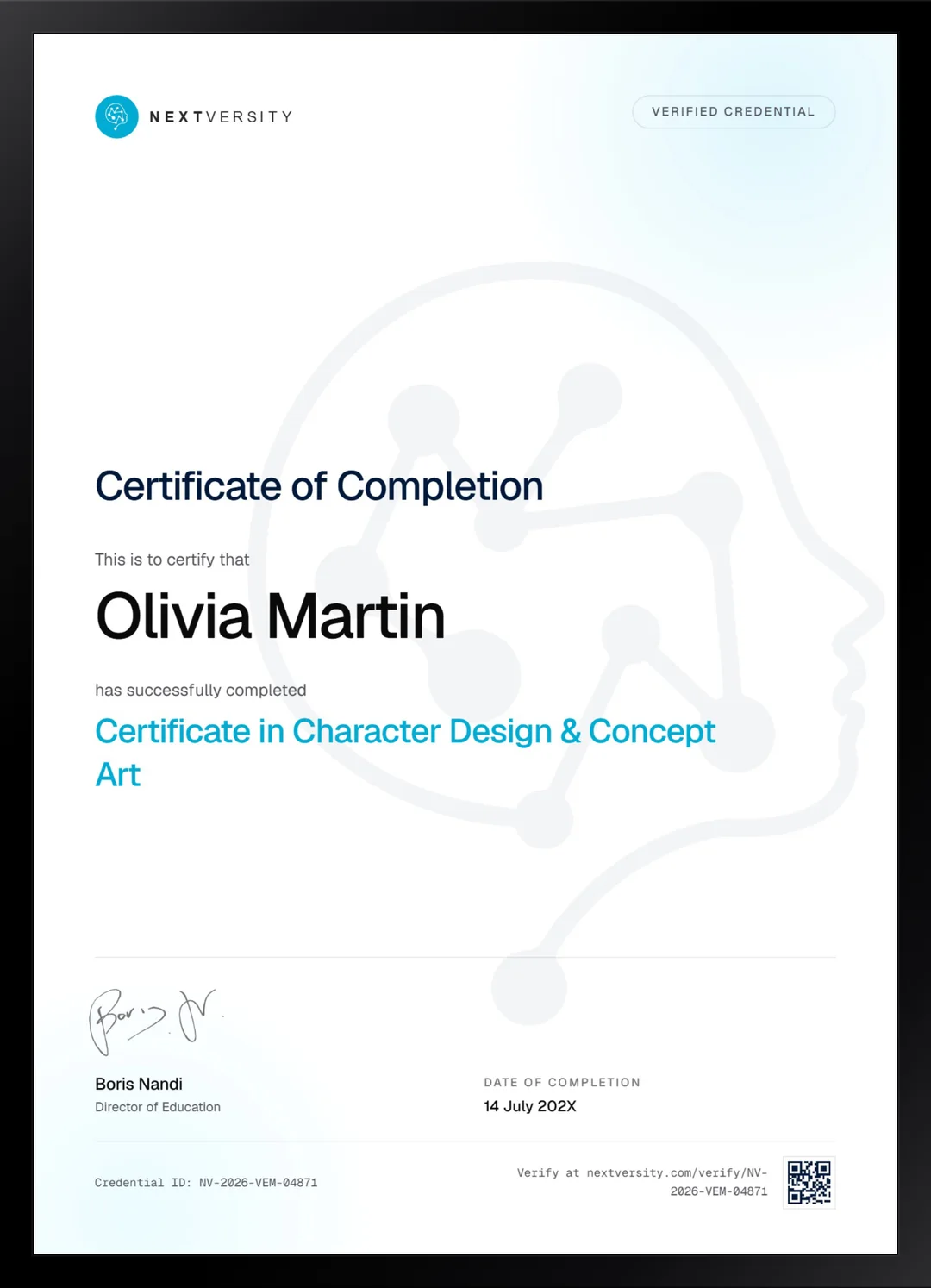
Finish the final module and your Character Design & Concept Art certificate is issued automatically. Download it, share it with employers and clients, or add it to your resume and LinkedIn.
Where this can take you
Skills from this school show up in roles like these. The certificate proves you finished; the projects you build are what get you hired.
- Graphic designer
- Brand and identity designer
- Social media designer
- Illustrator
- Freelance design contractor
Enroll with confidence
Enroll with confidence
Full details in the refund policy. One subscription covers this course and every other course in all 8 schools.
Pair it with
More from the Graphic Design & Illustration school
 Certificate
Photoshop brushes first, then shapes, characters, manga styles, backgrounds and one finished comic page.
68 lessonsSelf-pacedCertificate
 Certificate
Learn the iPad app in two modules, then draw: twelve illustration styles, animation and portrait work.
49 lessonsSelf-pacedCertificate
FAQ
Common questions about the character design course
Is this character design course good for beginners?
It suits a beginner at design rather than a beginner at drawing. You need enough pen control to put a line where you meant it, because the course spends its time on decisions instead of on mark-making. If you can already sketch reasonably and want to know why your characters look generic, this is aimed squarely at you.
What is the difference between character design and concept art?
Character design is one job inside concept art. Concept art is the wider practice of working out how anything in a production should look, including creatures, props and environments. This course covers characters and creatures in depth, which is the part of concept art that games, animation and film hire for most often.
Do I need a drawing tablet for character design?
Yes. Every demonstration relies on pen pressure for weight in the line and softness in the shading, and following along with a mouse would be genuinely painful. Any pressure-sensitive tablet works, and the entry-level models are cheap enough now that this is a small barrier rather than a real one.
Which software does the course use, Photoshop or Clip Studio Paint?
Both appear, and the course says repeatedly that the choice does not matter. Two lessons tour each program and then the tools stop being the subject. Use whichever you already own. Everything taught after that point is about silhouette, shape, value and construction, all of which are identical in any painting program.
Does the course cover anatomy and figure drawing?
Yes, a whole module of it. You learn figure drawing and the blocking method, constructing a body from rib cage, pelvis and joints rather than copying an outline you cannot rebuild from another angle. That construction approach is what lets a character hold up in a pose you have never drawn before.
Is creature design included in the course?
Yes, and it is the tightest module in the whole thing. It runs a complete pipeline in eight lessons: gathering reference, studying the skeleton underneath a real animal, building the design from that, then finishing it in color with variations. Creature work is some of the most eye-catching material you can put in a portfolio.
Do I finish the course with portfolio pieces?
Several, if you do the assignments. The value module ends in a shaded piece, creature design ends in a colored design with variations, the anatomy module carries a study from first shapes to final color, and the last module is a character of your own. Budget roughly 30 to 40 hours across a couple of months.
Free info pack
Not ready to enroll? Start with the guide.
The full curriculum for this course, what you'll build, and how it fits with the rest of the school, in one short guide.