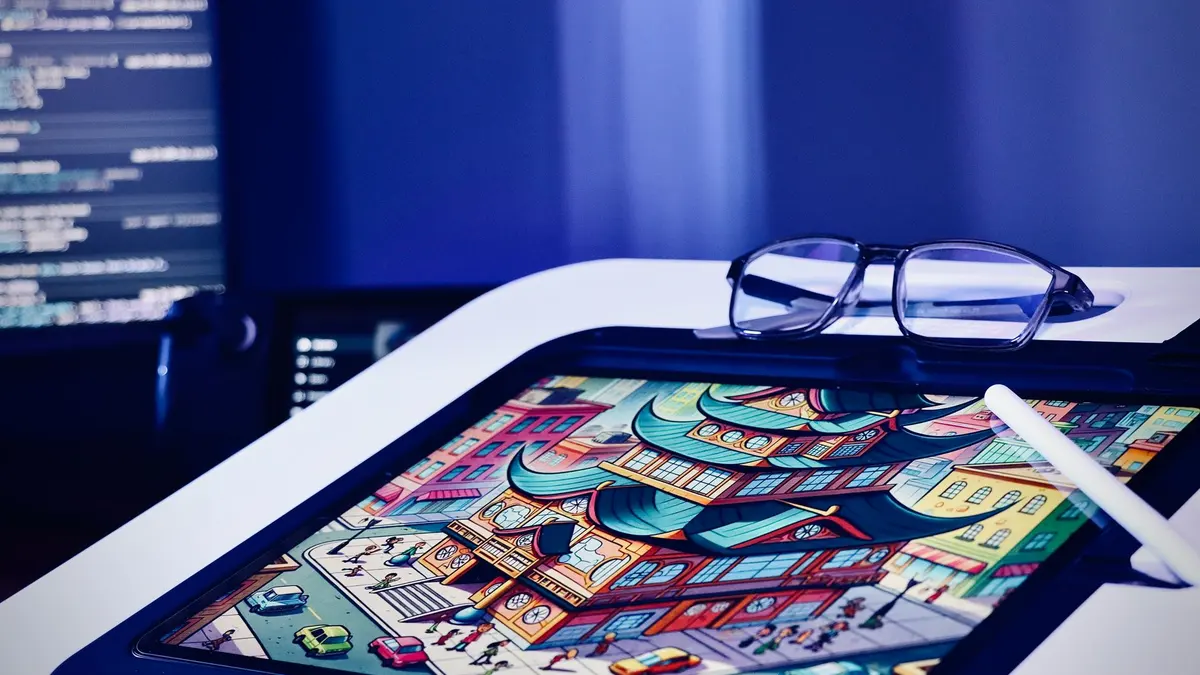
Graphic Design & Illustration school
Certificate in Digital Illustration Using Procreate
Learn the app in a weekend. Spend the rest learning to draw.
This Procreate course is one third app and two thirds drawing: shape, tone and composition, then twelve finished illustrations in twelve styles, animation and portraits.
Overview
What this Procreate course covers
Two thirds of this Procreate course is drawing rather than software, and the ratio is deliberate. The app is learnable in a weekend, so the interface gets two modules covering brushes, layers, masks and selections, and everything after that is spent making finished pictures.
You learn shape, line, volume, tone, perspective and composition as one connected set, then produce twelve illustrations in twelve styles, from watercolor and paper cut to comic and collage, repeating the same process each time: thumbnail, palette, construction, flats, values, grading. Animation on the assist timeline and a stretch on portraits close it. You finish with a dozen pieces worth showing and one repeatable process for making the next.
Outcomes
What you will be able to do
Requirements
Course requirements
- An iPad. Procreate is iPad only, with no Windows, Mac, Android or browser version.
- Procreate from the App Store, bought once rather than by subscription.
- A stylus if you already own one. An Apple Pencil is used in the lessons, and a finger genuinely works.
- No drawing experience and no art training. The drawing modules open at shape, line and volume and assume nothing.
Syllabus
Digital Illustration Using Procreate curriculum
47 recorded video lessons you follow along in the software, at your own pace. Quizzes through each module check what stuck, and a 20-question final exam earns your certificate.
1Course Orientation1 lesson
- Course Overview and Learning Expectations (reading)
2Procreate Interface and Workflow Fundamentals7 lessons · 7 videos · quiz
- Introduction to Procreate (video lesson, 5 minutes)
- Navigating the Procreate Interface (video lesson, 7 minutes 41 seconds)
- Using Procreate Gestures (video lesson, 6 minutes 10 seconds)
- Understanding Accessibility Features (video lesson, 2 minutes 40 seconds)
- Using Apple Pencil and Keyboard Shortcuts (video lesson, 2 minutes 24 seconds)
- Working with Menus and Widgets (video lesson, 1 minute 35 seconds)
- Sharing and Exporting Artwork (video lesson, 1 minute 33 seconds)Quiz
3Core Procreate Tools and Techniques9 lessons · 9 videos · 2 quizzes
- Working with Colors (video lesson, 8 minutes 55 seconds)
- Working with Brushes (video lesson, 9 minutes 11 seconds)
- Creating Custom Brushes (video lesson, 14 minutes 41 seconds)
- Working with Layers (video lesson, 8 minutes 21 seconds)
- Using Blend Modes (video lesson, 11 minutes 6 seconds)
- Using Masks (video lesson, 6 minutes 24 seconds)Quiz
- Adding and Formatting Text (video lesson, 4 minutes 16 seconds)
- Working with Selections (video lesson, 9 minutes 24 seconds)
- Applying Image Adjustments (video lesson, 19 minutes 20 seconds)Quiz
4Digital Art Foundations7 lessons · 7 videos · 2 quizzes
- Introduction to Digital Art Fundamentals (video lesson, 4 minutes 47 seconds)
- Drawing Shapes and Lines (video lesson, 12 minutes 22 seconds)
- Understanding Volume and Tone (video lesson, 27 minutes 45 seconds)
- Understanding Color in Digital Art (video lesson, 34 minutes 23 seconds)
- Understanding Perspective (video lesson, 27 minutes 19 seconds)Quiz
- Understanding Composition (video lesson, 34 minutes 21 seconds)
- Creating a Simple Illustration (video lesson, 36 minutes 8 seconds)Quiz
5Still Life Drawing and Illustration2 lessons · 2 videos · quiz
- Drawing Simple Forms with Perspective (video lesson, 48 minutes 14 seconds)
- Creating a Floral Still Life Illustration (video lesson, 30 minutes 32 seconds)Quiz
6Digital Illustration Styles and Projects12 lessons · 12 videos · 2 quizzes
- Introduction to Digital Illustration Projects (video lesson, 20 minutes)
- Creating an Animal Illustration (video lesson, 33 minutes)
- Creating a Watercolor Illustration (video lesson, 37 minutes 4 seconds)
- Creating a Landscape Illustration (video lesson, 66 minutes 39 seconds)
- Creating a Character Illustration (video lesson, 57 minutes 41 seconds)
- Designing Digital Stickers (video lesson, 47 minutes 25 seconds)
- Creating a Paper Cut Illustration Effect (video lesson, 42 minutes 22 seconds)
- Creating Pattern Designs (video lesson, 45 minutes 19 seconds)Quiz
- Creating Comic-Style Illustrations (video lesson, 83 minutes 41 seconds)
- Creating a Poster with Photography (video lesson, 48 minutes 14 seconds)
- Creating Typographic Illustrations (video lesson, 41 minutes 27 seconds)
- Creating a Digital Collage (video lesson, 57 minutes 41 seconds)Quiz
7Animation in Procreate4 lessons · 4 videos · quiz
- Introduction to Procreate Animation (video lesson, 21 minutes 30 seconds)
- Animating a Simple Illustration (video lesson, 68 minutes)
- Animating Text-Based Illustrations (video lesson, 44 minutes 51 seconds)
- Animating a Landscape Illustration (video lesson, 66 minutes 48 seconds)Quiz
8Realistic Drawing and Portrait Techniques6 lessons · 5 videos · 2 quizzes
- Understanding Portrait Proportions (video lesson, 41 minutes 35 seconds)Quiz
- Drawing Facial Features (video lesson, 89 minutes 38 seconds)
- Portrait Drawing Fundamentals (video lesson, 135 minutes 47 seconds)
- Creating a Stylized Portrait (video lesson, 73 minutes 21 seconds)
- Using 3D Models in Procreate (video lesson, 32 minutes 3 seconds)
- Creating a Realistic Landscape Illustration (reading)Quiz
9Course Conclusion and Next Steps1 lesson · 1 video
- Course Summary (video lesson, 4 minutes 25 seconds)
Certificate
Earn a certificate you can show
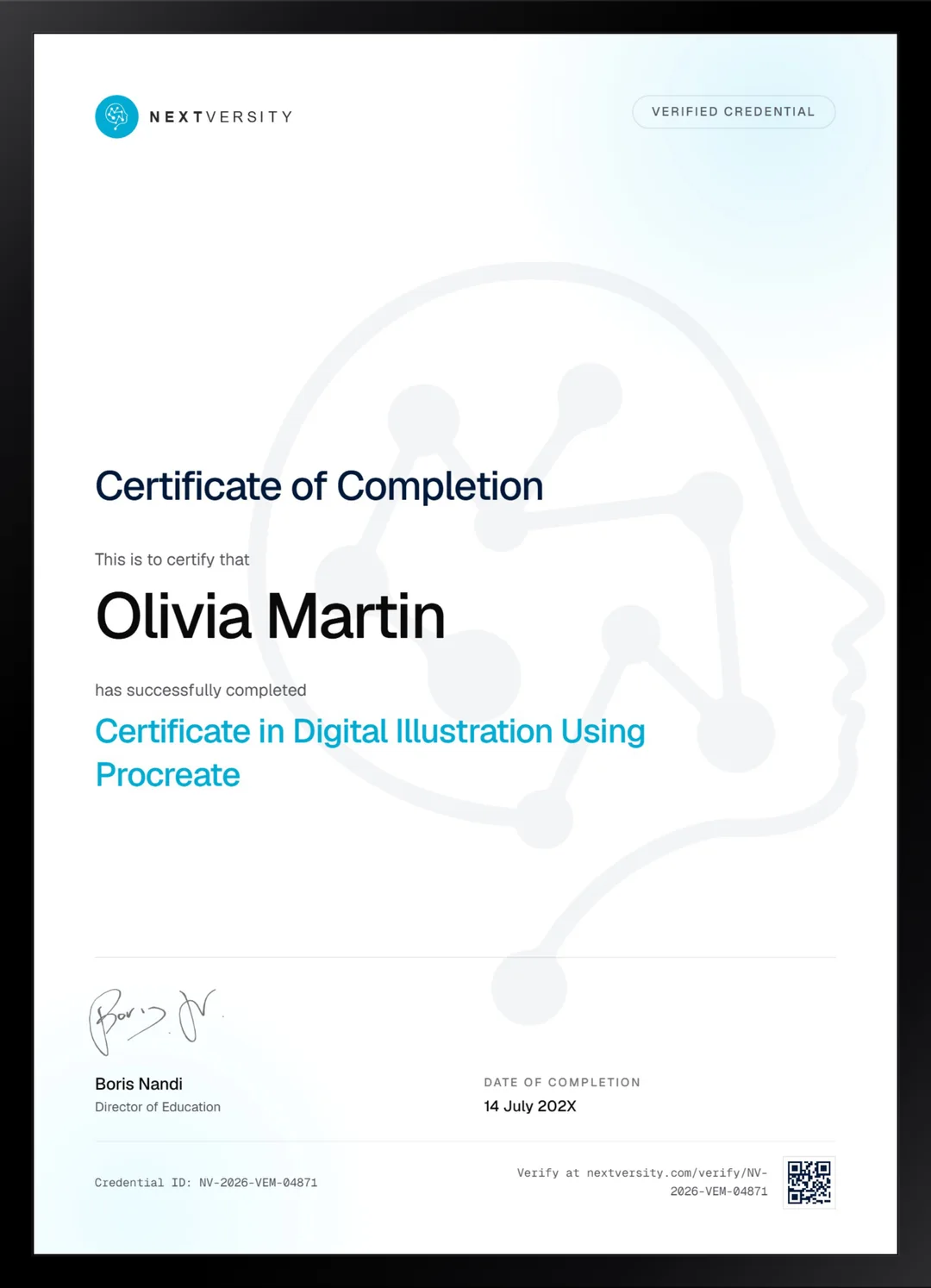
Finish the final module and your Digital Illustration Using Procreate certificate is issued automatically. Download it, share it with employers and clients, or add it to your resume and LinkedIn.
Where this can take you
Skills from this school show up in roles like these. The certificate proves you finished; the projects you build are what get you hired.
- Graphic designer
- Brand and identity designer
- Social media designer
- Illustrator
- Freelance design contractor
Enroll with confidence
Enroll with confidence
Full details in the refund policy. One subscription covers this course and every other course in all 8 schools.
Pair it with
More from the Graphic Design & Illustration school
 Certificate
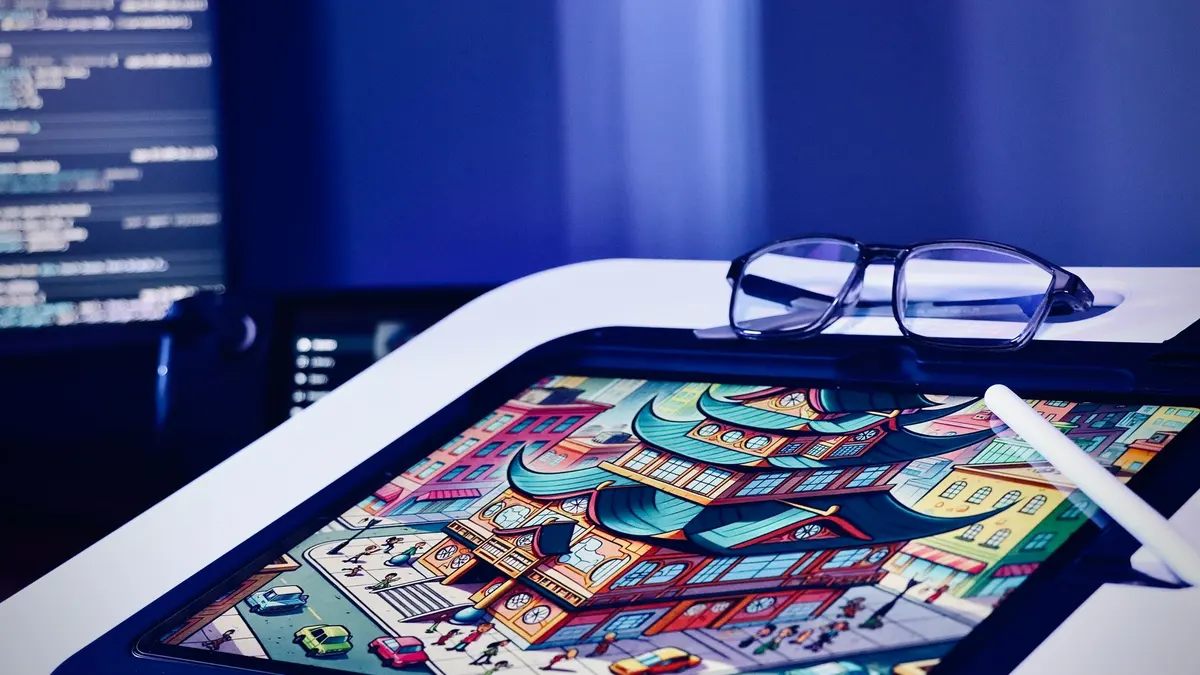
Silhouette, shape, value and anatomy taught as one process, ending in a character you designed yourself.
50 lessonsSelf-pacedCertificate
 Certificate
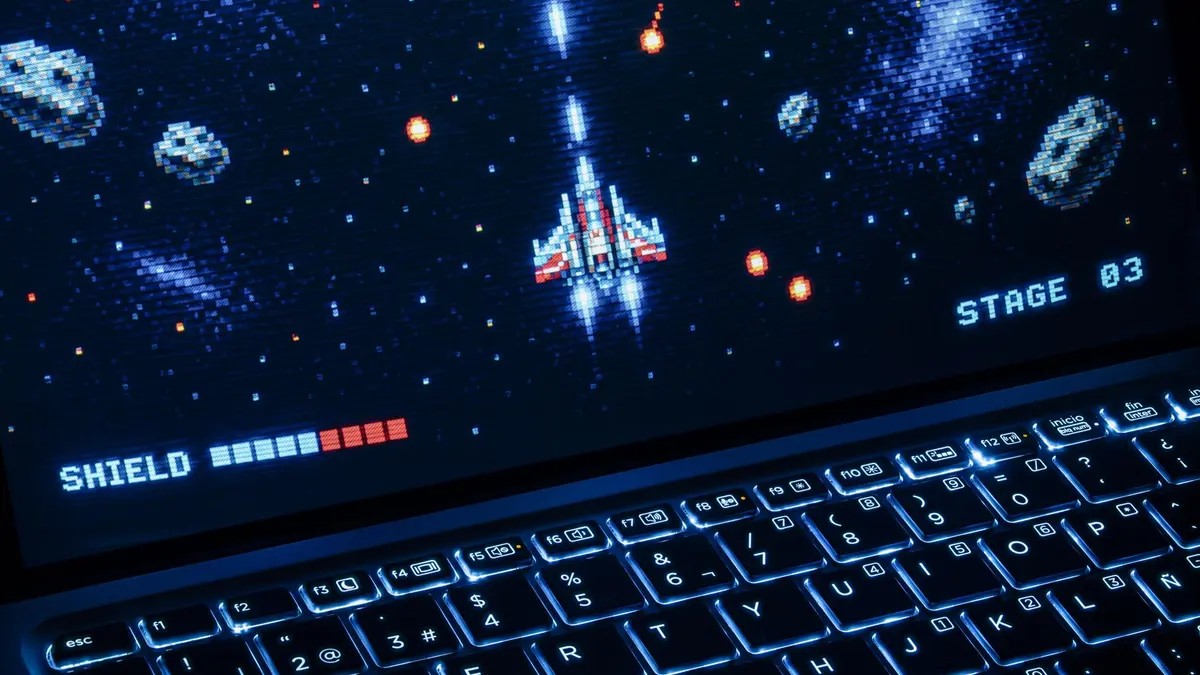
From single pixels to game-ready asset sets: sprites, walk cycles, tile sheets, icons and five game views.
64 lessonsSelf-pacedCertificate
FAQ
Common questions about the Procreate course
Do I need an iPad to take a Procreate course?
Yes, and there is no way around it. Procreate is an iPad application with no Windows, Mac, Android or browser version, so every lesson happens there. If you do not have one, the drawing theory would still be useful but you could not draw along, and drawing along is most of the value. Consider the Illustrator or Photoshop certificates instead.
Is Procreate free, or do I have to buy it?
It is paid, but it is a one-time purchase rather than a subscription, which makes it one of the cheapest professional art tools going. The instructor names the price she paid on camera. App store prices move, so check the current figure yourself rather than trusting anything written on a course page.
Do I need an Apple Pencil for Procreate?
No. The instructor uses one and says plainly that you do not need it: pick a brush and a color and draw with a finger. Pressure sensitivity is pleasant and it is not the thing standing between you and a good drawing. Start with what you own, and buy a stylus later if you find yourself wanting one.
Can I learn Procreate with no drawing experience?
Yes. No drawing background is assumed and no formal art training either. Two modules cover the app, then the course deliberately goes back to first principles: shape, line, volume, tone and composition. Most people who think they cannot draw have simply never been taught to see, and that is exactly what the middle of this course fixes.
Does the course cover animation in Procreate?
Yes, a full module on it. You learn the animation assist timeline and then make three animated pieces from illustrations you have already drawn, which is far more satisfying than animating a shape you have no attachment to. The emphasis is on loops that actually close rather than restarting with a visible jump.
How long does it take to learn Procreate?
The app itself takes a weekend. The course takes roughly 25 to 35 hours if you draw along, and drawing along is the only version that works. It is self-paced with no deadlines, and the twelve-style module is designed so you can do one piece a week and still finish with a real body of work.
Will this course teach me to draw people?
Heads, yes. Bodies, no. The final drawing modules cover proportion, features, a portrait and a stylized portrait, and stop at the neck. There is no figure drawing here. If drawing whole characters from imagination is the goal, the Character Design and Concept Art certificate in this school is built for it and works well taken afterward.
Free info pack
Not ready to enroll? Start with the guide.
The full curriculum for this course, what you'll build, and how it fits with the rest of the school, in one short guide.