Graphic Design & Illustration school
Certificate in Pixel Art & Digital Game Assets
From single pixels to asset sets a game could actually ship.
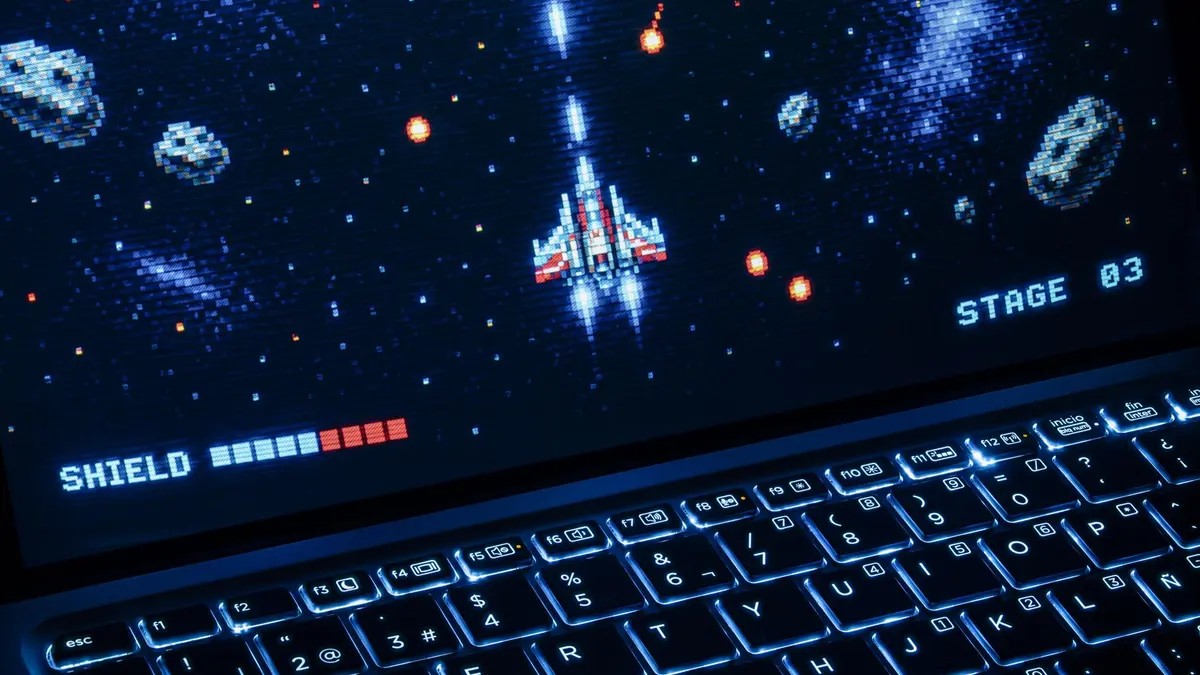
This pixel art course starts at single pixels and ends at game-ready asset sets: characters, walk cycles, tile sheets, interface icons and five different game views.
Overview
What this pixel art course covers
Pixel art is defined by what it will not let you do: a fixed canvas, a small palette, no smooth curves. This pixel art course is about designing inside those limits rather than fighting them, starting at single pixels, line ratios and a first three-tone shade, with a fair comparison of three programs before you spend anything.
From there you build swords, shields and characters, then animate walk cycles, attacks and magic effects by moving parts rather than redrawing every frame. Five modules take one game view each, fighting, platformer, isometric, top-down and RPG, from blank canvas to a scene with animated characters in it. It closes on interface icons and a frank module on pricing freelance work from your own timed hours.
Outcomes
What you will be able to do
Requirements
Course requirements
- One pixel art program, not three. A whole module compares three of them and one is free, so watch it before you buy anything.
- Know this before you choose: the lessons after that module are drawn in Procreate on an iPad, and the techniques transfer to any of the three.
- A drawing input you already own. A tablet and stylus is used in the lessons, and a mouse and keyboard is equally valid for this medium.
- No drawing experience. The course opens at single pixels and explains the art vocabulary as it goes.
Syllabus
Pixel Art & Digital Game Assets curriculum
63 recorded video lessons you follow along in the software, at your own pace. Quizzes through each module check what stuck, and a 20-question final exam earns your certificate.
1Course Orientation and Pixel Art Setup1 lesson
- Course Overview and Learning Expectations (reading)
2Pixel Art Lines, Shapes and Fundamentals3 lessons · 3 videos · quiz
- Lines and Shapes Fundamentals Part 1 (video lesson, 8 minutes 55 seconds)
- Lines and Shapes Fundamentals Part 2 (video lesson, 13 minutes 26 seconds)
- Lines and Shapes Fundamentals Part 3 (video lesson, 7 minutes 30 seconds)Quiz
3Pixel Art Software Tools3 lessons · 3 videos · quiz
- Creating Pixel Art in Procreate (video lesson, 8 minutes 49 seconds)
- Creating Pixel Art in Aseprite (video lesson, 6 minutes 35 seconds)
- Creating Pixel Art in Piskel (video lesson, 3 minutes 3 seconds)Quiz
4Pixel Art Drawing and Character Asset Design11 lessons · 11 videos · quiz
- Applying Color and Shading (video lesson, 37 minutes 21 seconds)
- Creating Pixel Art Textures (video lesson, 17 minutes 19 seconds)
- Drawing Figures at Different Sizes Part 1 (video lesson, 12 minutes 34 seconds)
- Drawing Figures at Different Sizes Part 2 (video lesson, 5 minutes 51 seconds)
- Drawing Pixel Art Swords (video lesson, 25 minutes 12 seconds)
- Drawing Pixel Art Shields (video lesson, 22 minutes 50 seconds)
- Drawing a Pixel Art Magic Staff (video lesson, 12 minutes 40 seconds)
- Drawing Pixel Art Guns (video lesson, 18 minutes 11 seconds)
- Drawing a Pixel Art Knight (video lesson, 43 minutes 18 seconds)
- Drawing a Pixel Art Wizard (video lesson, 35 minutes 37 seconds)
- Drawing a Pixel Art Soldier (video lesson, 27 minutes 41 seconds)Quiz
5Pixel Art Animation Fundamentals6 lessons · 6 videos · quiz
- Introduction to Pixel Art Animation (video lesson, 8 minutes 40 seconds)
- Bouncing Ball Animation Challenge (video lesson, 8 minutes 28 seconds)
- Creating a Walk Cycle (video lesson, 14 minutes 15 seconds)
- Animating Attack Actions (video lesson, 15 minutes 46 seconds)
- Animating Magical Effects (video lesson, 10 minutes 57 seconds)
- Animating Jumping Movements (video lesson, 7 minutes 40 seconds)Quiz
6Pixel Art Portrait Design7 lessons · 7 videos · quiz
- Creating 64×64 Pixel Art Portraits (video lesson, 32 minutes 57 seconds)
- Creating 32×32 Pixel Art Portraits (video lesson, 15 minutes 26 seconds)
- Creating 100×100 Pixel Art Portraits (video lesson, 51 minutes 58 seconds)
- Adding Clothing and Refining Pixel Art Portraits (video lesson, 15 minutes 59 seconds)
- Pixel Art Portrait Challenge (video lesson, 1 minute 12 seconds)
- Revisiting 100×100 Pixel Art Portraits Part 1 (video lesson, 44 minutes 45 seconds)
- Revisiting 100×100 Pixel Art Portraits Part 2 (video lesson, 20 minutes 13 seconds)Quiz
7Pixel Art Background and Tileset Design10 lessons · 10 videos · quiz
- Introduction to Pixel Art Backgrounds (video lesson, 26 minutes 44 seconds)
- Using Perspective in Pixel Art Backgrounds (video lesson, 17 minutes 25 seconds)
- Creating Pixel Art Tilesheets (video lesson, 17 minutes 12 seconds)
- Final Pixel Art Background Part 1 (video lesson, 10 minutes 48 seconds)
- Final Pixel Art Background Part 2 (video lesson, 9 minutes 14 seconds)
- Final Pixel Art Background Part 3 (video lesson, 47 minutes 4 seconds)
- Final Pixel Art Background Part 4 (video lesson, 42 minutes 6 seconds)
- Final Pixel Art Background Part 5 (video lesson, 16 minutes 7 seconds)
- Final Pixel Art Background Part 6 (video lesson, 58 minutes 49 seconds)
- Final Pixel Art Background Part 7 (video lesson, 39 minutes 52 seconds)Quiz
8Fighting Game Character and Animation Assets5 lessons · 5 videos · quiz
- Fighting Game Character Design Part 1 (video lesson, 26 minutes 56 seconds)
- Fighting Game Character Design Part 2 and Normal Attack Animation (video lesson, 68 minutes 16 seconds)
- Animating Special Attacks (video lesson, 30 minutes 35 seconds)
- Creating Idle Animations (video lesson, 18 minutes 5 seconds)
- Creating Hit Reaction Animations (video lesson, 19 minutes 31 seconds)Quiz
9Platform Game Asset Design2 lessons · 2 videos · quiz
- Platform Game Asset Design Part 1 (video lesson, 29 minutes 23 seconds)
- Platform Game Asset Design Part 2 (video lesson, 9 minutes 16 seconds)Quiz
10Isometric Pixel Art Design6 lessons · 6 videos · quiz
- Isometric Pixel Art Design Part 1 (video lesson, 17 minutes 16 seconds)
- Isometric Pixel Art Design Part 2 (video lesson, 39 minutes 33 seconds)
- Isometric Pixel Art Design Part 3 (video lesson, 16 minutes 18 seconds)
- Isometric Pixel Art Design Part 4 (video lesson, 25 minutes 34 seconds)
- Isometric Pixel Art Design Part 5 (video lesson, 26 minutes 7 seconds)
- Isometric Pixel Art Design Part 6 (video lesson, 21 minutes 51 seconds)Quiz
11Top-Down Game Asset Design3 lessons · 3 videos · quiz
- Creating Top-Down Backgrounds (video lesson, 33 minutes 34 seconds)
- Creating Top-Down Room Items (video lesson, 27 minutes 46 seconds)
- Creating Top-Down Characters (video lesson, 19 minutes 4 seconds)Quiz
12RPG Pixel Art Asset Design3 lessons · 3 videos · quiz
- RPG Pixel Art Asset Design Part 1 (video lesson, 36 minutes 22 seconds)
- RPG Pixel Art Asset Design Part 2 (video lesson, 32 minutes 14 seconds)
- RPG Pixel Art Asset Design Part 3 (video lesson, 30 minutes 30 seconds)Quiz
13Game Icon and Interface Asset Design3 lessons · 3 videos · quiz
- Designing Skill Icons (video lesson, 47 minutes 11 seconds)
- Designing Item Icons (video lesson, 25 minutes 33 seconds)
- Designing Emote Icons (video lesson, 11 minutes 11 seconds)Quiz
14Course Conclusion and Next Steps1 lesson · 1 video
- Freelancing Advice for Pixel Artists (video lesson, 25 minutes 38 seconds)
Certificate
Earn a certificate you can show
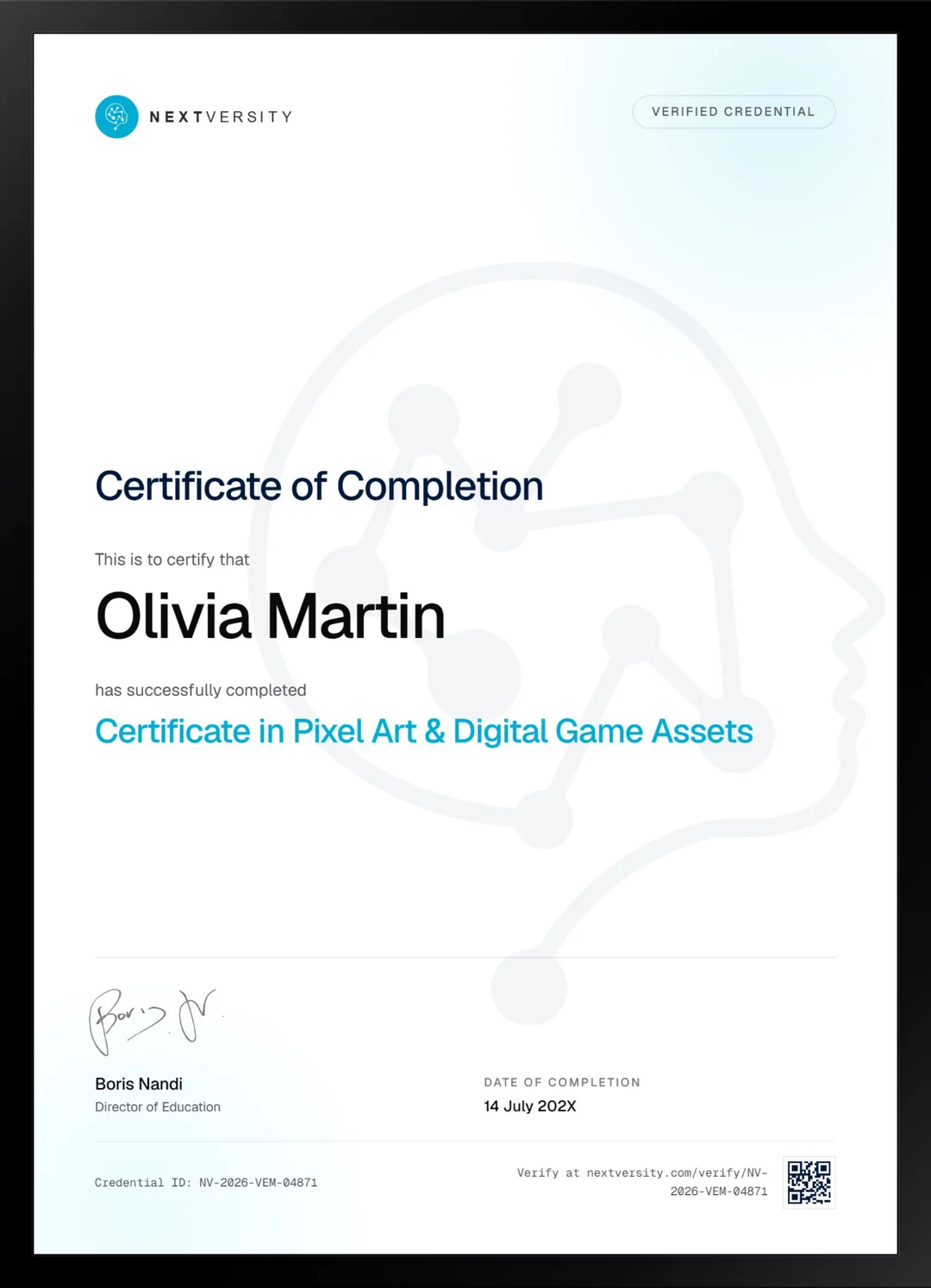
Finish the final module and your Pixel Art & Digital Game Assets certificate is issued automatically. Download it, share it with employers and clients, or add it to your resume and LinkedIn.
Where this can take you
Skills from this school show up in roles like these. The certificate proves you finished; the projects you build are what get you hired.
- Graphic designer
- Brand and identity designer
- Social media designer
- Illustrator
- Freelance design contractor
Enroll with confidence
Enroll with confidence
Full details in the refund policy. One subscription covers this course and every other course in all 8 schools.
Pair it with
More from the Graphic Design & Illustration school
 Certificate
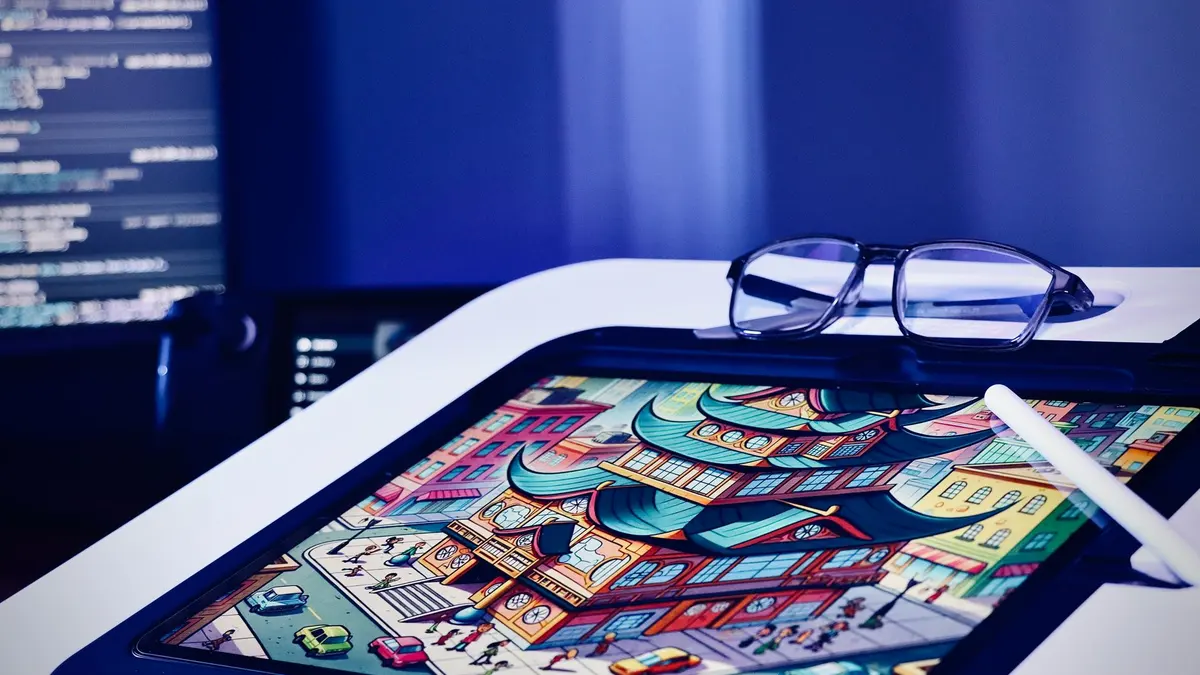
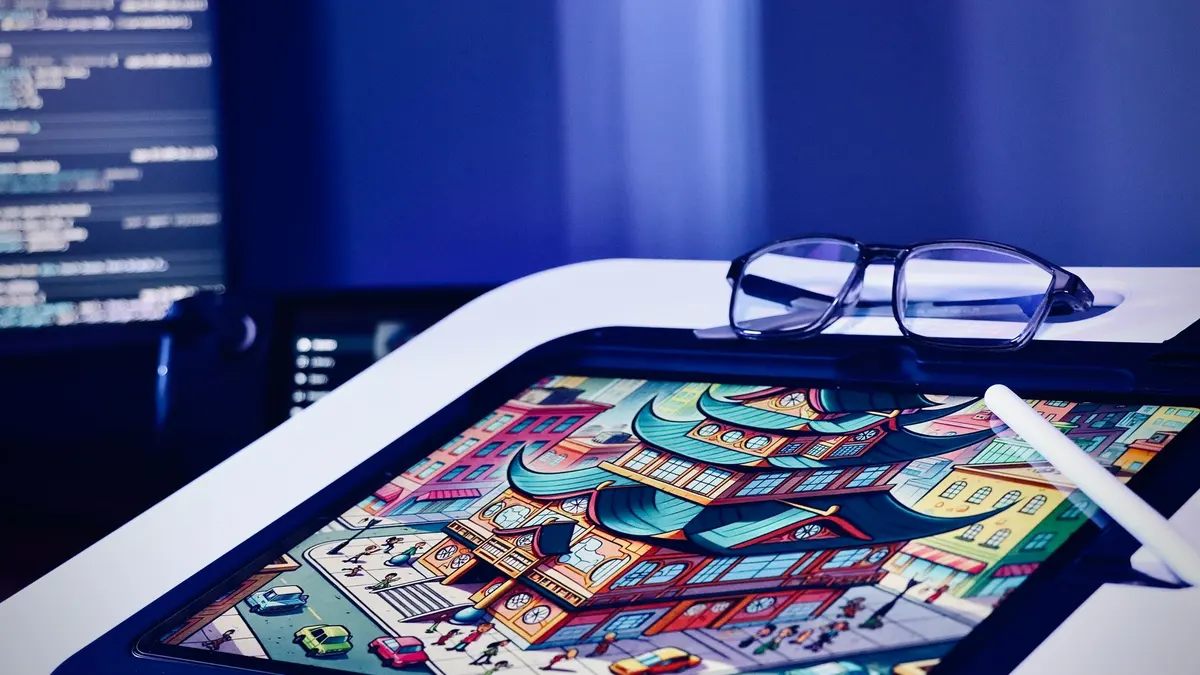
Learn the iPad app in two modules, then draw: twelve illustration styles, animation and portrait work.
49 lessonsSelf-pacedCertificate
 Certificate
Silhouette, shape, value and anatomy taught as one process, ending in a character you designed yourself.
50 lessonsSelf-pacedCertificate
FAQ
Common questions about the pixel art course
What software do I need for pixel art?
One program, and the course spends a whole module comparing three so you can choose before paying for anything. One of the three is free. The lessons after that module are drawn in Procreate on an iPad, and everything taught transfers directly, because pixel art technique is about pixels rather than about menus.
Can I learn pixel art with a mouse and keyboard?
Yes. The instructor works on a tablet with a stylus, often just a finger, and says repeatedly that a mouse and keyboard is equally valid for this medium. Pixel art is placed rather than stroked, so precision matters more than pressure sensitivity. Plenty of professional pixel artists have never owned a tablet.
Is this pixel art course good for total beginners?
Yes. It opens at single pixels, lines and the ratios that make a diagonal read cleanly, and it explains art vocabulary like light source, midtone and reflected light as it goes rather than assuming it. If you have never drawn anything, this is one of the friendlier ways in, because the canvas is small and the decisions are countable.
Does it cover pixel art animation and walk cycles?
Yes, a full module and then more inside each of the game view modules. You start on frames and a bouncing ball, then build a walk cycle, attacks, magic effects and hit reactions. The method throughout is moving parts rather than redrawing every frame, which is both faster and how the work is actually done.
Will this course teach me to make a game?
No, and that is worth being clear about. There is no engine, no code and no importing artwork into anything. This course begins and ends with the artwork itself. If building the game is the goal, the Game Design school here covers Unity, Godot and Unreal, and pixel art pairs with those courses extremely well.
Can I sell pixel art as a freelancer after this course?
The last module covers that honestly rather than optimistically. You learn to time your own work, price from those hours with a markup, and account for the platform cut before you quote. Nobody can promise you clients, but pricing from measured hours instead of guesswork is the single thing that separates freelancers who last from those who do not.
Is a certificate included with the pixel art course?
Yes, in the subscription rather than as an extra. Modules carry quizzes at a 75% pass mark that never block your progress, and the course ends with a twenty question final exam. Passing it issues a certificate with a verification code. Alongside it you will have asset sets for five game views, which is the real portfolio.
Free info pack
Not ready to enroll? Start with the guide.
The full curriculum for this course, what you'll build, and how it fits with the rest of the school, in one short guide.