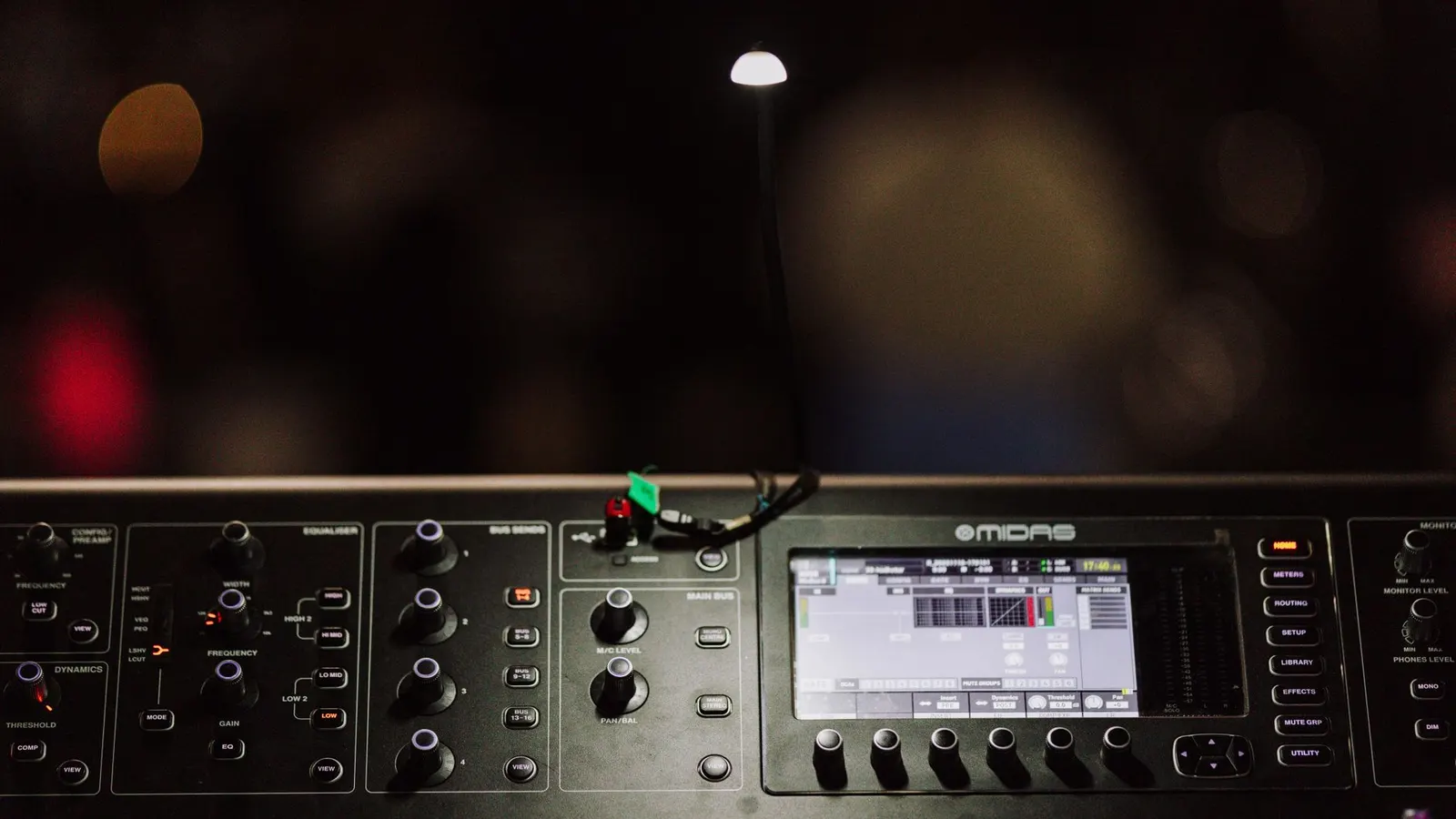
Make tracks that sound finished
FL Studio and Cubase, taught from empty project to finished track: beats, arrangement, mixing and export.
Why this school
Make tracks that sound finished.
Most home producers get stuck in eight-bar loops. The way out is finishing tracks, and that's what these courses are structured around: a complete song per project, from first beat to final mixdown.
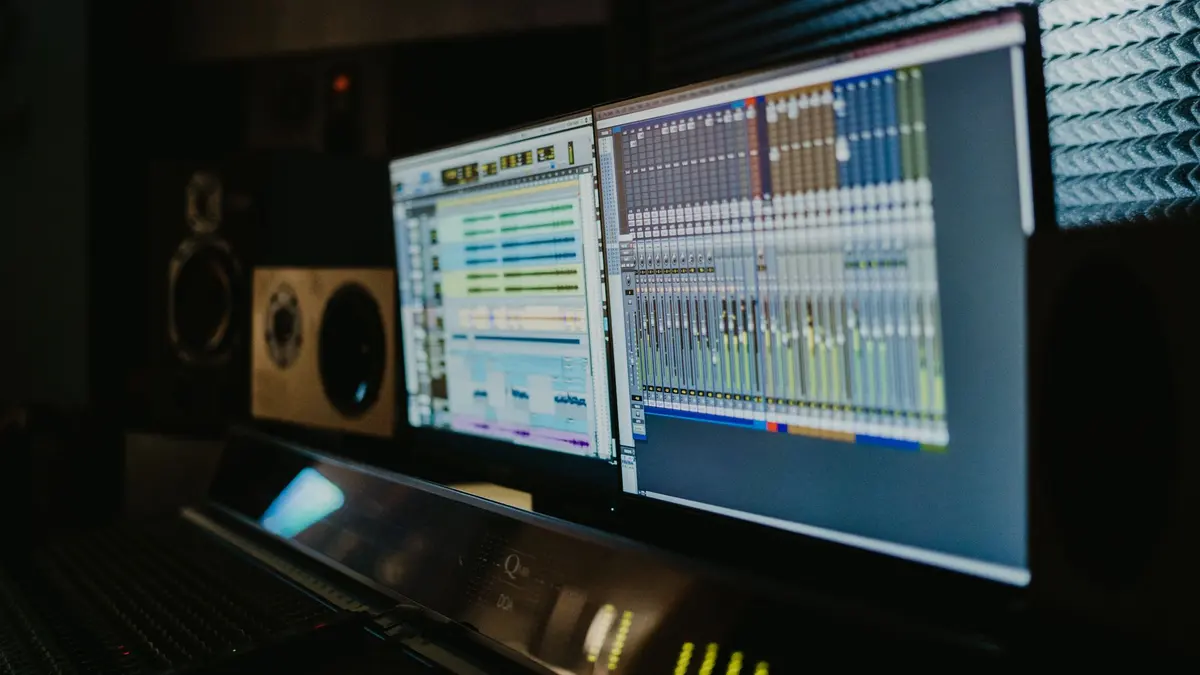
FL Studio suits beatmakers and electronic producers; Cubase suits recording and arrangement-heavy work. Both courses teach the full workflow, so pick the one that matches the music you want to make.
The courses
Start where it makes sense for you
 Certificate
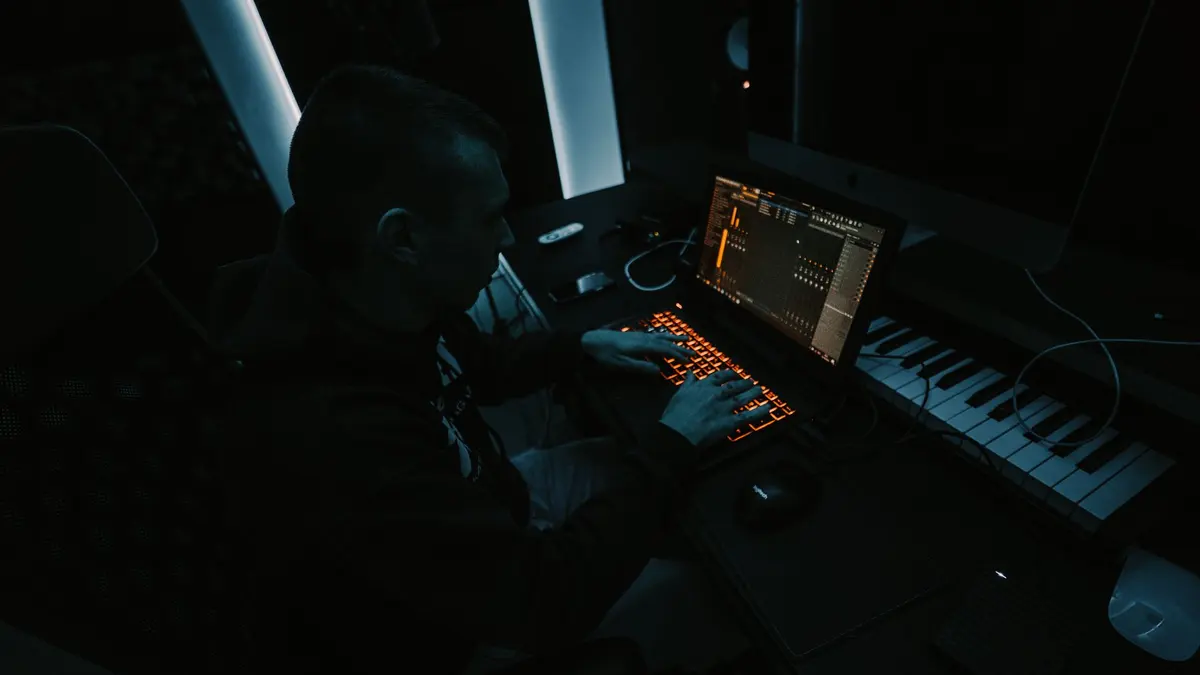
Learn FL Studio end to end, then write one full track from a single chord to an exported master.
40 lessonsSelf-pacedCertificate
 Certificate
Record real instruments in Cubase and mix them with stock plugins, from setup to a bounced master.
12 lessonsSelf-pacedCertificate
All 2 courses are included in the one subscription. See pricing
From the studio
Latest from this school's blog
Before you start
Questions people ask about Music Production
Should I learn FL Studio or Cubase?
FL Studio if you make beats and electronic music, Cubase if you record instruments and voices. FL Studio is built around patterns and a playlist, which suits producing from scratch. Cubase is a linear recording setup, and about half of its course covers capturing audio through an interface. Both take you from an empty project to a finished, exported track, and one subscription covers both.
Do I need expensive equipment to produce music?
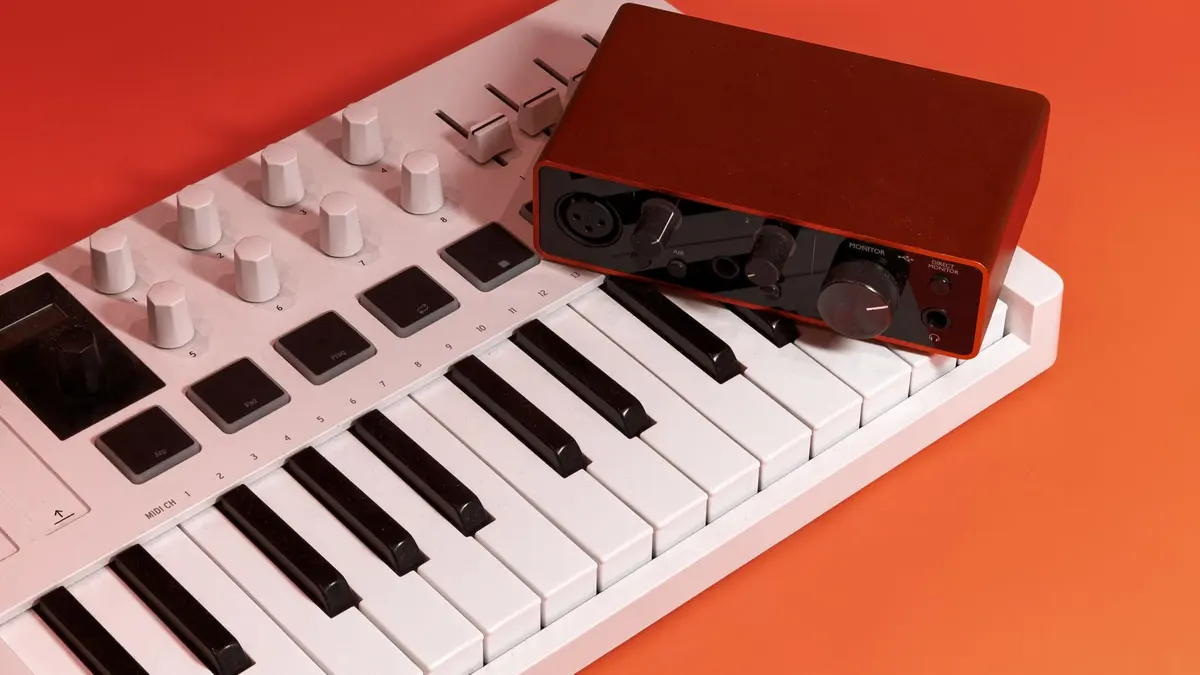
No, but you do need headphones or speakers you know well, and not laptop speakers. They do not have to cost much. They have to be something you have listened to enough music on to have a reference. A MIDI keyboard is optional, since both instructors draw most parts in with a mouse. An audio interface matters only if you are recording a microphone or an instrument.
Do I need to know music theory to produce music?
No, neither music production course assumes any theory. Both teach the parts you use as you need them: chords under a melody, where a bass note sits, why a section feels like it has arrived. If theory itself is the gap you feel, a free tutorial series on scales and chords will fill it faster and cheaper than a production course will. Come back when the software is the problem.
How long does it take to finish a first track?
A few weeks, if you build one alongside the course rather than after it. Both courses are structured around completing a song instead of collecting techniques, and the FL Studio course spends twelve lessons on a single track, from first beat to final mixdown. That stretch is where loops turn into finished music. If that sounds like too long for one song, this is not the course for you.
Free course guide
Not sure where to start?
Leave your details and we'll send the course guide for this school: every course, what you'll build, and how to pick your first one.