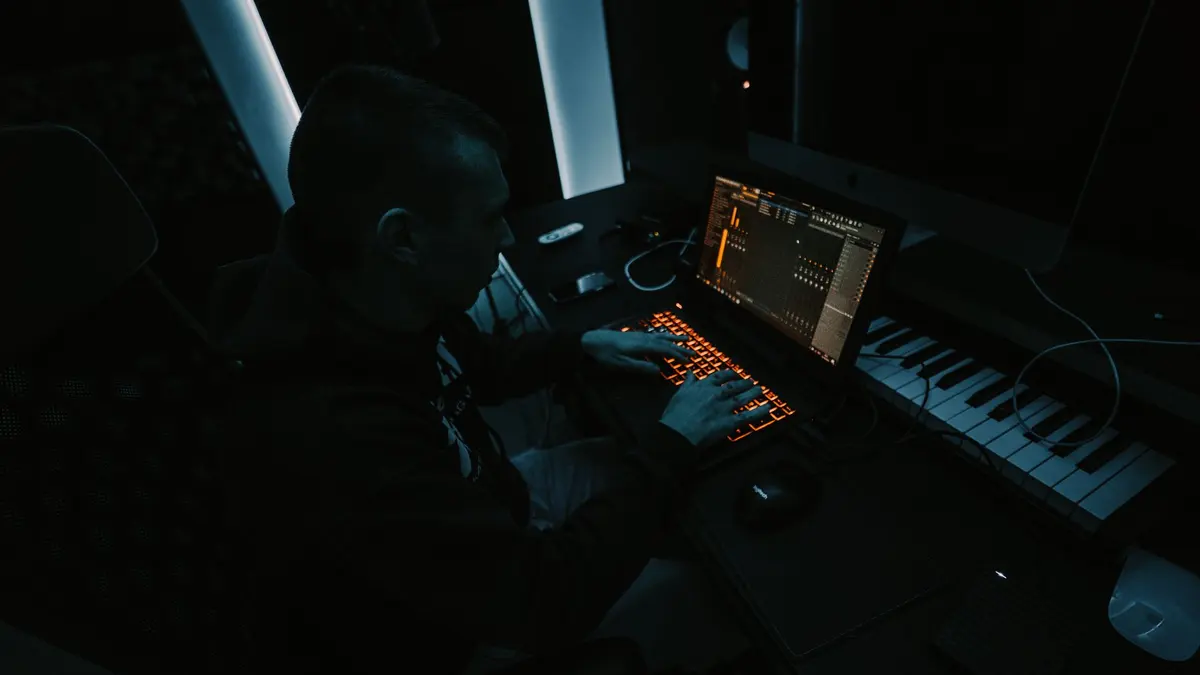
Music Production school
Certificate in Music Production Using FL Studio
One track, from a single chord to a finished master.
This FL Studio course covers the five windows, drum programming and sound design, then spends twelve lessons writing one track from a single chord to a finished master.
Overview
What this FL Studio course covers
The gap between a loop and a finished track is where most producers get stuck, and this FL Studio course closes it in the only honest way: by writing a whole piece of music on camera and keeping the parts that did not work first time. If you have a folder full of eight-bar loops and nothing finished, this is aimed at you.
You learn the five windows and how to configure a project properly, then drum patterns built with velocity, pitch and swing so they sound played rather than typed, then sound design from an init patch instead of a preset list. Twelve lessons go on one track, from chords and bass through a breakdown, a lead and a drop, before EQ and compression from first principles, a full mixing pass, and an exported master with stems.
Outcomes
What you will be able to do
Requirements
Course requirements
- FL Studio. The free trial is the whole program with no time limit, though you need a license to reopen your own projects.
- No music theory and no instrument. Most parts in the lessons are drawn in with a mouse.
- Headphones or speakers you know well, and not laptop speakers. They do not have to be expensive.
- An audio interface for the recording module only, and only if you want to capture a microphone or an instrument.
Syllabus
Music Production Using FL Studio curriculum
38 recorded video lessons you follow along in the software, at your own pace. Quizzes through each module check what stuck, and a 20-question final exam earns your certificate.
1Course introduction1 lesson
- Welcome (reading)
2FL Studio Interface and Production Fundamentals14 lessons · 14 videos · quiz
- Introduction to FL Studio (video lesson, 2 minutes 19 seconds)
- Exploring the Demo Song (video lesson, 2 minutes 23 seconds)
- Navigating the Main Menus (video lesson, 20 minutes 9 seconds)
- Using the Browser (video lesson, 13 minutes 4 seconds)
- Working with the Playlist Window (video lesson, 20 minutes 46 seconds)
- Working with the Channel Rack (video lesson, 10 minutes 55 seconds)
- Understanding the Wrapper Window (video lesson, 12 minutes 53 seconds)
- Building and organizing your sample library (video lesson, 13 minutes 4 seconds)
- Working with the Piano Roll (video lesson, 10 minutes 20 seconds)
- Navigating the Mixer Window (video lesson, 10 minutes 6 seconds)
- Creating Drum Patterns (video lesson, 14 minutes 11 seconds)
- Creating Sounds with Plugins (video lesson, 14 minutes 31 seconds)
- Using Automation (video lesson, 15 minutes 54 seconds)
- Using the Mixer (video lesson, 29 minutes 15 seconds)Quiz
3FL Studio Plugins and Sound Design Tools4 lessons · 4 videos · quiz
- Creating Sounds with Harmor (video lesson, 21 minutes 44 seconds)
- Creating Sounds with Sytrus (video lesson, 29 minutes 43 seconds)
- Using Patcher (video lesson, 18 minutes 16 seconds)
- Using Fruity Convolver and Additional Plugins (video lesson, 20 minutes 9 seconds)Quiz
4Audio Recording and Manipulation3 lessons · 3 videos · quiz
- Recording Audio in FL Studio (video lesson, 11 minutes 46 seconds)
- Manipulating Audio (video lesson, 11 minutes 38 seconds)
- Creating Interesting Audio Loops (video lesson, 18 minutes 40 seconds)Quiz
5Building a Music Project from Scratch12 lessons · 12 videos · quiz
- Starting from nothing: chords, bass and an arp (video lesson, 32 minutes 20 seconds)
- Layering synths and shaping a breakdown (video lesson, 45 minutes 6 seconds)
- Writing a lead, resampling a pad, building a riser (video lesson, 56 minutes 27 seconds)
- Programming the drums and writing the drop (video lesson, 56 minutes 59 seconds)
- Drum variation, fills and the second drop section (video lesson, 61 minutes 4 seconds)
- Contrast between sections, and rebuilding the intro (video lesson, 72 minutes 32 seconds)
- Mapping the song with markers (video lesson, 70 minutes 16 seconds)
- Layering leads and strings into the final drop (video lesson, 66 minutes 49 seconds)
- Extending the ending and randomizing pan (video lesson, 67 minutes 20 seconds)
- Reshaping a drop entry, and gain staging (video lesson, 56 minutes 59 seconds)
- Adding ambience and fixing the toms (video lesson, 66 minutes 26 seconds)
- The final arrangement pass and the drum arc (video lesson, 55 minutes 58 seconds)Quiz
6Mixing Fundamentals2 lessons · 2 videos · quiz
- Understanding equalization (video lesson, 17 minutes 9 seconds)
- Using Modulation in Mixing (video lesson, 11 minutes 25 seconds)Quiz
7Advanced Mixing and Final Project Export3 lessons · 3 videos · quiz
- In-Depth Project Mixing Part 1 (video lesson, 49 minutes 52 seconds)
- In-Depth Project Mixing Part 2 (video lesson, 48 minutes 31 seconds)
- Rendering and Saving Projects for Sharing (video lesson, 10 minutes 44 seconds)Quiz
Certificate
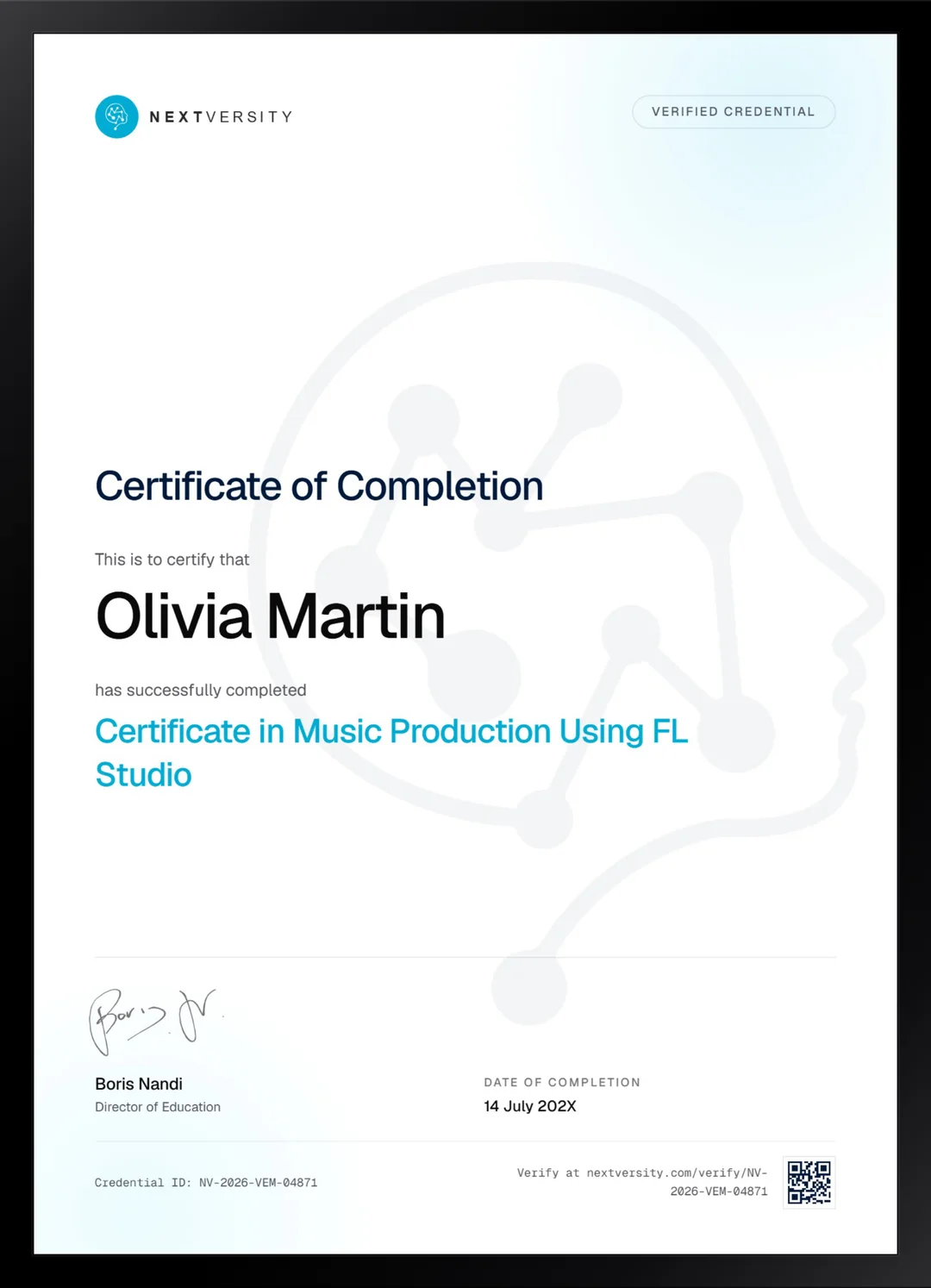
Earn a certificate you can show
Finish the final module and your Music Production Using FL Studio certificate is issued automatically. Download it, share it with employers and clients, or add it to your resume and LinkedIn.
Where this can take you
Skills from this school show up in roles like these. The certificate proves you finished; the projects you build are what get you hired.
- Music producer
- Audio editor
- Podcast producer
- Sound designer
Enroll with confidence
Enroll with confidence
Full details in the refund policy. One subscription covers this course and every other course in all 8 schools.
Pair it with
More from the Music Production school
 Certificate
Record real instruments in Cubase and mix them with stock plugins, from setup to a bounced master.
11 lessonsSelf-pacedCertificate
FAQ
Common questions about the FL Studio course
Can I take this FL Studio course on the free trial?
Up to a point, and the catch is worth knowing now. The trial is the whole program: every instrument, no time limit, and no watermark on what you export. What it will not do is reopen a project you saved, so you need a license before the module where you build one track across twelve lessons.
Which version of FL Studio do I need?
Any current one. The lessons were recorded on FL Studio 20 and the program has moved on since, but updates are free for life once you own it, so most people are on something recent. Panels have shifted a little rather than changed function, and everything taught here still applies.
Do I need to read music or play an instrument?
Neither. Nothing in the course assumes you read notation or play anything, and most parts are drawn in with a mouse even though a keyboard is available. Electronic music production is one of the few musical disciplines where you can genuinely start from nothing and make something good quickly, which is why so many people do.
Does the FL Studio course cover mixing and mastering?
It covers mixing thoroughly and finishes with a proper export rather than being a full mastering course. EQ and compression are taught from first principles rather than as preset recipes, then modulation effects by ear, then a complete mixing pass on your own track including parallel compression and checking the result on other systems.
What equipment do I need to make beats in FL Studio?
Less than you think. A computer running FL Studio and headphones or speakers you know well, which rules out laptop speakers but not cheap headphones. An audio interface only matters if you want to record a microphone or an instrument, and a MIDI keyboard is genuinely optional. Everything else is the software.
Should I learn FL Studio or Cubase?
Pick by what you make. FL Studio suits beat-driven and electronic music written from nothing, which is what this course teaches. Cubase suits capturing and mixing real instruments and vocals, and the Cubase certificate here covers exactly that. Both are in one subscription, so plenty of people learn the one that fits their music and try the other later.
Will I finish a complete song in this course?
Yes, if you build along. One module is twelve lessons on a single track, taken from a first chord through bass, leads, drums, a breakdown, risers and a drop, then mixed and exported. Watching it happen teaches you very little. Building it alongside is what turns loops into finished music.
Free info pack
Not ready to enroll? Start with the guide.
The full curriculum for this course, what you'll build, and how it fits with the rest of the school, in one short guide.