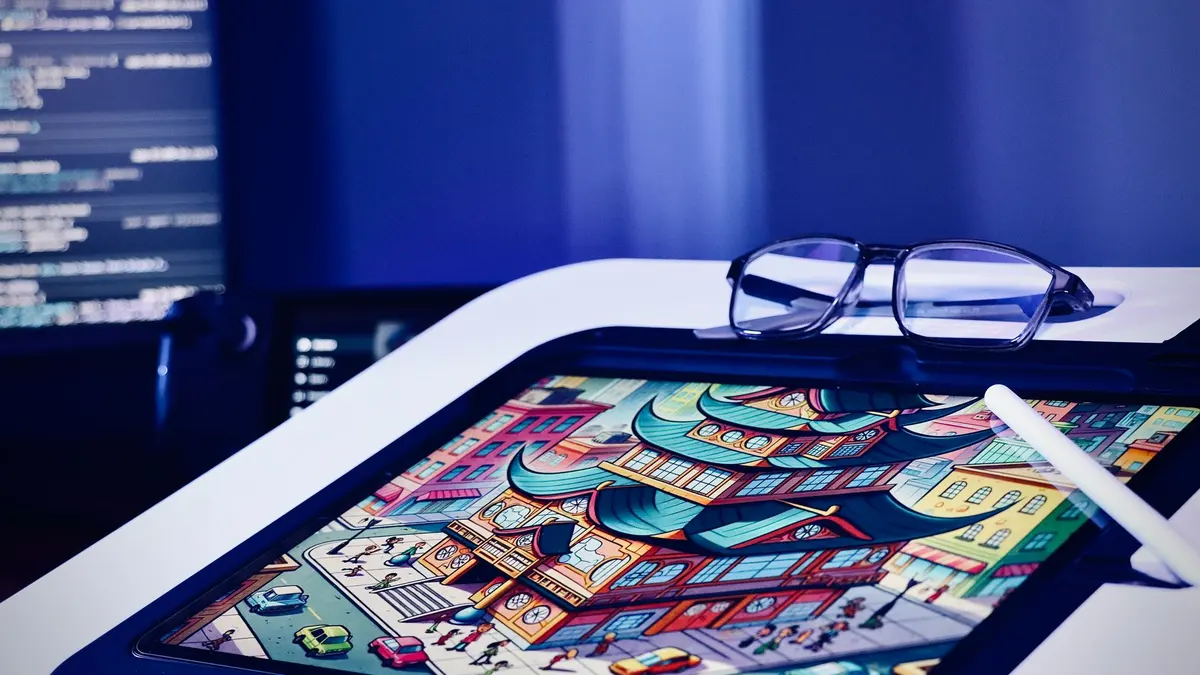
Graphic Design & Illustration school
Certificate in Adobe Illustrator
Vector, from the New File dialog to a finished portfolio.
This Adobe Illustrator course is about half complete builds, so you finish with real work: logos, icon sets, patterns, charts, isometric scenes and a zine ready for print.
Overview
What this Illustrator course covers
This Adobe Illustrator course runs from the New File dialog to artwork you would put in a portfolio, and roughly half its lessons are complete builds rather than tool tours. No design background is assumed. You start on artboards, shapes and Pathfinder, then the pen tool, image trace, and the sketching and composition work that separates a considered illustration from an assembled one.
After that it is real commissions: logos resolved in black and white before any color is allowed near them, icon sets, typography, patterns that tile, charts that stay true after styling, and a long isometric run building a room and then a city. It ends where most courses stop, preparing a zine for print with bleed and color mode set on purpose.
Outcomes
What you will be able to do
Requirements
Course requirements
- Adobe Illustrator. Adobe offers a free trial, and current pricing lives on their site rather than here, because it moves.
- No design or vector experience. The course opens at the New File dialog and the first four modules assume nothing.
- A mouse, trackpad or graphics tablet. All three work, and the pen tool is easier with a mouse than most people expect.
- Reference photographs for a few of the illustration lessons. Free stock images cover the rest, and nothing else needs buying.
Syllabus
Adobe Illustrator curriculum
131 recorded video lessons you follow along in the software, at your own pace. Quizzes through each module check what stuck, and a 20-question final exam earns your certificate.
1Course Orientation and Illustrator Setup2 lessons · 1 video
- Course Overview and Learning Expectations (reading)
- Getting Started with Adobe Illustrator (video lesson, 10 minutes 39 seconds)
2Illustrator Tools and Workflow Fundamentals8 lessons · 8 videos · 3 quizzes
- Introduction to Illustrator Functionality (video lesson, 7 minutes 15 seconds)Quiz
- Working with Artboards (video lesson, 5 minutes 18 seconds)
- Understanding Vector and Raster Graphics (video lesson, 1 minute 48 seconds)
- Navigating the Illustrator Workspace (video lesson, 2 minutes 33 seconds)
- Creating Basic Shapes (video lesson, 5 minutes 3 seconds)
- Combining and Building Shapes (video lesson, 5 minutes 35 seconds)
- Using Transform Tools (video lesson, 6 minutes 11 seconds)Quiz
- Organizing Objects and Layers (video lesson, 9 minutes 35 seconds)Quiz
3Shape-Based Illustration Techniques4 lessons · 4 videos · 2 quizzes
- Introduction to Shape-Based Design (video lesson, 14 seconds)
- Creating a Pet Illustration (video lesson, 39 minutes 10 seconds)
- Identifying Shapes in Everyday Objects (video lesson, 10 minutes)Quiz
- Creating a Standing Human Figure (video lesson, 26 minutes 56 seconds)Quiz
4Color, Stroke and Visual Effects6 lessons · 6 videos · 2 quizzes
- Introduction to Illustrator Effects (video lesson, 23 seconds)
- Working with Swatches (video lesson, 6 minutes 1 second)
- Applying and Editing Strokes (video lesson, 6 minutes 44 seconds)Quiz
- Using Distortion Tools (video lesson, 17 minutes 28 seconds)
- Creating Intertwined Shape Effects (video lesson, 4 minutes 46 seconds)
- Creating a Blurry Glass Effect (video lesson, 5 minutes 5 seconds)Quiz
5Drawing and Digital Illustration Fundamentals15 lessons · 15 videos · 4 quizzes
- Introduction to Drawing in Illustrator (video lesson, 1 minute 4 seconds)
- Using Illustrator Drawing Tools (video lesson, 20 minutes 49 seconds)
- Working with the Pen Tool (video lesson, 10 minutes 45 seconds)
- Working with the Curvature Tool (video lesson, 46 seconds)
- Using Live Trace (video lesson, 9 minutes 26 seconds)Quiz
- Creating a Digital Doodle (video lesson, 17 minutes 21 seconds)
- Digitising Photos Through Tracing (video lesson, 45 minutes 44 seconds)
- Finding Inspiration for Freehand Drawing (video lesson, 6 minutes 43 seconds)
- Sketching and Planning Your Illustration (video lesson, 7 minutes 44 seconds)
- Creating Scamps and Rough Concepts (video lesson, 1 minute 36 seconds)
- Understanding Illustration Composition (video lesson, 3 minutes 19 seconds)Quiz
- Creating a Digital Illustration (video lesson, 8 minutes 15 seconds)
- Choosing a Color Palette (video lesson, 1 minute 21 seconds)
- Applying Color to Illustrations (video lesson, 16 minutes 11 seconds)Quiz
- Exporting Finished Illustrations (video lesson, 36 seconds)Quiz
6Brush Tools and Texture Techniques4 lessons · 4 videos · 2 quizzes
- Using Calligraphy and Art Brushes (video lesson, 10 minutes 18 seconds)
- Creating Scatter Brush Effects (video lesson, 8 minutes 20 seconds)Quiz
- Creating Noise Scatter Brushes (video lesson, 8 minutes 45 seconds)
- Applying Grain Shader Effects (video lesson, 20 minutes 50 seconds)Quiz
7Logo Design Fundamentals7 lessons · 7 videos · 3 quizzes
- Introduction to Logo Design (video lesson, 12 minutes 6 seconds)
- Understanding Logo Design Mistakes (video lesson, 8 minutes 22 seconds)Quiz
- Analysing Effective Logo Designs (video lesson, 5 minutes 37 seconds)
- Using Reference Images for Logo Design (video lesson, 2 minutes 16 seconds)
- Developing a Logo from Concept to Final Design (video lesson, 34 minutes 43 seconds)
- Applying Color to Logo Designs (video lesson, 3 minutes 11 seconds)Quiz
- Creating a Wordmark Logo (video lesson, 8 minutes 13 seconds)Quiz
8Icon Design and App Icon Creation10 lessons · 10 videos · 3 quizzes
- Introduction to Icon Design (video lesson, 34 seconds)
- Creating Illustrated Icons (video lesson, 7 minutes 35 seconds)Quiz
- Sketching Icon Concepts (video lesson, 2 minutes 34 seconds)
- Creating Icon Set 1 with the Brush Tool (video lesson, 43 minutes 51 seconds)
- Finalising Icon Set 1 (video lesson, 27 minutes 10 seconds)
- Creating Icon Set 2 with the Pen Tool (video lesson, 43 minutes 33 seconds)
- Finalising Icon Set 2 (video lesson, 33 minutes 46 seconds)
- Introduction to App Icon Design (video lesson, 19 seconds)
- App Icon Design Best Practices (video lesson, 6 minutes 39 seconds)Quiz
- Creating Your Own App Icon (video lesson, 6 minutes 59 seconds)Quiz
9Spot Illustration Techniques3 lessons · 3 videos · 2 quizzes
- Introduction to Spot Illustration (video lesson, 5 minutes 31 seconds)Quiz
- Creating Digital Spot Illustrations (video lesson, 49 minutes 48 seconds)
- Finalising Spot Illustrations (video lesson, 29 minutes 34 seconds)Quiz
10Typography and Type-Based Design10 lessons · 10 videos · 3 quizzes
- Introduction to Typography (video lesson, 7 minutes 37 seconds)
- Using Illustrator Type Tools (video lesson, 5 minutes 20 seconds)
- Planning a Typographic Poster Layout (video lesson, 4 minutes 2 seconds)
- Understanding Typefaces and Fonts (video lesson, 4 minutes 29 seconds)Quiz
- Creating Neon Type Effects (video lesson, 5 minutes 3 seconds)
- Creating Typographic Poster 1 (video lesson, 13 minutes 9 seconds)
- Creating Typographic Poster 2 (video lesson, 17 minutes 26 seconds)Quiz
- Creating a Warped Type Poster (video lesson, 16 minutes 22 seconds)
- Creating 3D-Style Type (video lesson, 16 minutes 3 seconds)
- Creating Handwritten Font Effects (video lesson, 10 minutes 52 seconds)Quiz
11Grid-Based and Geometric Design2 lessons · 2 videos · quiz
- Setting Up Design Grids (video lesson, 3 minutes 38 seconds)
- Creating Grid-Based Color Designs (video lesson, 25 minutes 43 seconds)Quiz
12Gradient and Mesh Design Techniques5 lessons · 5 videos · 2 quizzes
- Introduction to Gradients (video lesson, 51 seconds)
- Gradient Fundamentals (video lesson, 8 minutes 18 seconds)Quiz
- Creating Grain and Shape Effects with Gradient Mesh (video lesson, 20 minutes 25 seconds)
- Creating a Vinyl Cover with Gradient Mesh (video lesson, 12 minutes 38 seconds)
- Creating Gradient-Based Artwork (video lesson, 48 minutes 41 seconds)Quiz
13Data Visualization in Illustrator6 lessons · 6 videos · 2 quizzes
- Introduction to Charts and Graphs (video lesson, 29 seconds)
- Creating Pie Charts (video lesson, 30 minutes 34 seconds)
- Creating Line Graphs (video lesson, 26 minutes 15 seconds)
- Creating Area Charts (video lesson, 13 minutes 4 seconds)
- Using the Column Graph Tool (video lesson, 9 minutes 26 seconds)Quiz
- Using the Bar Graph Tool (video lesson, 6 minutes 26 seconds)Quiz
14Pattern Design and Surface Graphics6 lessons · 6 videos · 3 quizzes
- Introduction to Pattern Design (video lesson, 45 seconds)
- Creating Standard Pattern Designs (video lesson, 15 minutes 53 seconds)
- Creating a Halloween Pattern (video lesson, 25 minutes 41 seconds)Quiz
- Saving Patterns to the Library (video lesson, 3 minutes 24 seconds)
- Creating Abstract Shapes with Effects (video lesson, 7 minutes 23 seconds)Quiz
- Creating Abstract Pattern Designs (video lesson, 20 minutes 29 seconds)Quiz
15Masking Tools and Practice3 lessons · 3 videos · 2 quizzes
- Introduction to Masks (video lesson, 35 seconds)
- Masking Tools Recap (video lesson, 5 minutes 16 seconds)Quiz
- Masking Practice Exercise (video lesson, 7 minutes 17 seconds)Quiz
16Developing an Illustration Style5 lessons · 5 videos · quiz
- Introduction to Illustration Style (video lesson, 33 seconds)
- Analysing New Yorker-Style Illustration (video lesson, 39 minutes 2 seconds)
- Creating a City Illustration (video lesson, 64 minutes 56 seconds)
- Adding Shading with Masks (video lesson, 10 minutes 44 seconds)
- Preparing Artwork for Print (video lesson, 2 minutes 50 seconds)Quiz
173D Design and Character Illustration9 lessons · 9 videos · 3 quizzes
- Introduction to 3D Design (video lesson, 52 seconds)
- Understanding 2D and 3D Design (video lesson, 1 minute 41 seconds)
- Creating 3D Balloons (video lesson, 7 minutes 33 seconds)Quiz
- Creating a 3D-Style Furry Monster (video lesson, 9 minutes 28 seconds)
- Setting Up a Character Design (video lesson, 12 minutes 20 seconds)
- Creating a 3D Character (video lesson, 14 minutes 4 seconds)
- Finalising a 3D Character (video lesson, 4 minutes 55 seconds)Quiz
- Creating 3D Isometric Shapes (video lesson, 15 minutes 23 seconds)
- Creating a 3D Cassette Player (video lesson, 32 minutes 10 seconds)Quiz
18Isometric Illustration and Scene Design14 lessons · 14 videos · 5 quizzes
- Introduction to Isometric Drawing (video lesson, 43 seconds)
- Setting Up an Isometric Room Grid (video lesson, 3 minutes 36 seconds)
- Building Isometric Rooms with Basic Shapes (video lesson, 11 minutes 53 seconds)
- Creating an Isometric Room (video lesson, 4 minutes 54 seconds)Quiz
- Adding Room Details: Bed, Artwork, Bedside Table and Lamp (video lesson, 16 minutes 29 seconds)
- Adding Room Details: Couch and Carpet (video lesson, 9 minutes 48 seconds)Quiz
- Adding Windows to an Isometric Room (video lesson, 6 minutes 28 seconds)
- Finalising an Isometric Room (video lesson, 8 minutes 56 seconds)
- Creating Isometric 3D Blend Text (video lesson, 11 minutes)
- Creating an Isometric City: Building 1 (video lesson, 8 minutes 23 seconds)
- Creating an Isometric City: Building 2 (video lesson, 11 minutes 17 seconds)Quiz
- Creating Isometric City Vehicles (video lesson, 16 minutes 3 seconds)
- Creating Isometric City Details: Trees and Bench (video lesson, 13 minutes 47 seconds)Quiz
- Creating an Isometric City: L-Shaped Building (video lesson, 14 minutes 5 seconds)Quiz
19Zine Design and Print Preparation5 lessons · 5 videos · 2 quizzes
- Introduction to Zine Design (video lesson, 5 minutes 26 seconds)
- Planning Zine Concepts and Layouts (video lesson, 3 minutes 53 seconds)
- Digitising a Zine Design (video lesson, 28 minutes 5 seconds)Quiz
- Finalising a Zine Design (video lesson, 12 minutes 22 seconds)
- Preparing a Zine Layout for Print (video lesson, 1 minute 59 seconds)Quiz
20Preparing Illustrator Files for Animation1 lesson · 1 video
- Setting Up Illustrator Files for Animation (video lesson, 7 minutes 1 second)
21Blending, Transparency and Halftone Effects7 lessons · 7 videos · quiz
- Introduction to Blending (video lesson, 1 minute 4 seconds)
- Using Blending Options and Transparency (video lesson, 6 minutes 7 seconds)Quiz
- Creating Multiply Artwork Effects (video lesson, 28 minutes 3 seconds)
- Advanced Multiply Artwork Effects (video lesson, 24 minutes 7 seconds)
- Creating Text Blending Effects (video lesson, 5 minutes 53 seconds)
- Creating Halftone Effects with the Blend Tool (video lesson, 4 minutes 55 seconds)
- Creating a Halftone Illustration (video lesson, 37 minutes 27 seconds)
Certificate
Earn a certificate you can show
Finish the final module and your Adobe Illustrator certificate is issued automatically. Download it, share it with employers and clients, or add it to your resume and LinkedIn.
Where this can take you
Skills from this school show up in roles like these. The certificate proves you finished; the projects you build are what get you hired.
- Graphic designer
- Brand and identity designer
- Social media designer
- Illustrator
- Freelance design contractor
Enroll with confidence
Enroll with confidence
Full details in the refund policy. One subscription covers this course and every other course in all 8 schools.
Pair it with
More from the Graphic Design & Illustration school
 Certificate
Retouching, sky swaps, brand work, mockups and compositing, taught as builds rather than tool tours.
166 lessonsSelf-pacedCertificate
 Certificate
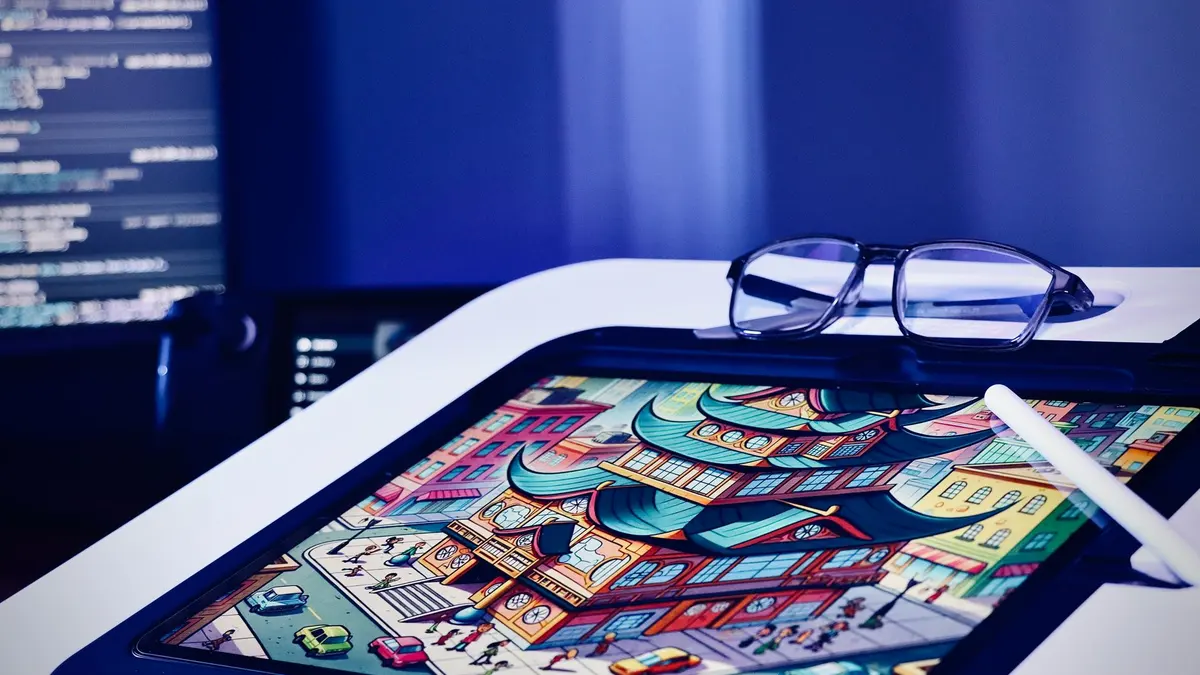
Learn the iPad app in two modules, then draw: twelve illustration styles, animation and portrait work.
49 lessonsSelf-pacedCertificate
FAQ
Common questions about the Illustrator course
Is this Adobe Illustrator course good for beginners?
Yes. It opens at the New File dialog, and the first four modules assume nothing at all about vector, artboards or the pen tool. The thing worth knowing is that vector is a genuinely different way of thinking rather than a different set of buttons, so the early modules are about rewiring how you see shapes, not memorizing menus.
Do I need a drawing tablet to learn Illustrator?
No. A mouse or a trackpad handles the entire course. The pen tool is easier with a mouse than people expect, because it places anchor points rather than tracing a stroke, so precision matters more than a steady hand. A tablet is pleasant in the brush and texture lessons and is never required.
Does the Illustrator course teach logo design?
Yes, as a full applied module rather than an afterthought. Logos go from rough concept to final artwork and get resolved in black and white before any color is allowed near them, which is how they are actually designed. You also build icon sets and app icons, which is the work that most often comes attached to a logo brief.
Should I learn Illustrator or Photoshop first?
Illustrator if the artwork has to scale: logos, icons, patterns, anything heading for print, packaging or a sign. Photoshop if the work starts from a photograph. Most designers end up using both and reach for whichever suits the job, and since one subscription covers both courses, the order is genuinely up to you.
How long does the Illustrator course take to finish?
Budget roughly 40 to 60 hours if you build alongside it, which is the only version worth doing. Watching somebody place an anchor point teaches you almost nothing about placing one. It is self-paced with no deadlines, so plenty of people work through a module a week and come out the far side with a portfolio.
Does the course cover isometric illustration?
It does, at unusual length. There is a full run on isometric work that starts with setting up the grid, builds a room, then scales up to buildings, vehicles and a whole scene shaded consistently. It is one of the most distinctive stretches in the course and one of the most portfolio-friendly things you can make in vector.
Can I use Illustrator to prepare artwork for print?
Yes, and print gets its own module at the end, built around a zine. It covers bleed, color mode and the layer decisions that decide whether a printer can use your file or sends it back. There is also a module on preparing files for animation, which is where a lot of vector work goes next.
Free info pack
Not ready to enroll? Start with the guide.
The full curriculum for this course, what you'll build, and how it fits with the rest of the school, in one short guide.