
Business & Productivity school
Certificate in Excel Data Analysis
Answer the question, then teach Excel to answer it for you.
This Excel data analysis course is really two joined in the middle: ten modules applying PivotTables, Power Query, Power Pivot and dynamic arrays to one dataset, then seven of VBA automation.
Overview
What this Excel data analysis course covers
This Excel data analysis course puts PivotTables, Power Query, Power Pivot and dynamic arrays against the same dataset, which is the fastest way to learn what each one is genuinely for. Knowing where a PivotTable stops being the right answer is worth more than knowing another twenty functions.
You turn a raw export into something analyzable, build a Power Query that cleans next month file without you redoing the work, relate tables and write measures that behave when a pivot slices them, and forecast with the assumptions said out loud. Then seven modules of VBA take you from recording a macro to rewriting it as your own procedure, so the monthly report that used to eat a day runs from a button.
Outcomes
What you will be able to do
Requirements
Course requirements
- Excel on a computer, recent enough for dynamic arrays and Power Query.
- Comfort with formulas and functions already. A short review module covers the ground rather than teaching it.
- A dataset of your own worth analyzing. A real export beats a tidy sample every time.
- No programming experience for the VBA half. It starts from recording a macro and reading what it wrote.
Syllabus
Excel Data Analysis curriculum
76 recorded video lessons you follow along in the software, at your own pace. Quizzes through each module check what stuck, and a 20-question final exam earns your certificate.
1Excel Data Analysis Course Orientation3 lessons · 2 videos · quiz
- Welcome to Excel Data Analysis (reading)
- Course Overview and Learning Expectations (video lesson, 10 minutes 32 seconds)
- Instructor Introduction (video lesson, 1 minute 51 seconds)Quiz
2Data Structure and Formula Review6 lessons · 6 videos · quiz
- Organizing Tables for Data Analysis (video lesson, 18 minutes 45 seconds)
- Understanding Primary Keys (video lesson, 14 minutes 53 seconds)
- Preparing and Conditioning Data (video lesson, 31 minutes 22 seconds)
- Checking Data with Excel Functions (video lesson, 31 minutes)
- Using Nested Formulas (video lesson, 24 minutes 25 seconds)
- Using Array Formulas (video lesson, 25 minutes 30 seconds)Quiz
3Data Cleaning, Preparation and Analysis Frameworks4 lessons · 4 videos · quiz
- Introducing the Dataset and Analysis Framework (video lesson, 16 minutes 53 seconds)
- Building a Data Analysis Framework (video lesson, 26 minutes 54 seconds)
- Conducting a Baseline Analysis (video lesson, 70 minutes 51 seconds)
- Introduction to the Main Data Analysis Project (video lesson, 22 minutes 38 seconds)Quiz
4Pivot Table Analysis4 lessons · 4 videos · quiz
- Introduction to PivotTables (video lesson, 7 minutes 29 seconds)
- PivotTable Functions and Basic Pivot Analysis (video lesson, 24 minutes 31 seconds)
- Applying PivotTables to the Main Project (video lesson, 40 minutes 45 seconds)
- PivotTable Practice Exercise (video lesson, 15 minutes 20 seconds)Quiz
5Power Query Data Transformation4 lessons · 4 videos · quiz
- Introduction to Power Query (video lesson, 17 minutes 48 seconds)
- Using Power Query for Data Cleaning (video lesson, 50 minutes 4 seconds)
- Applying Power Query to the Main Project (video lesson, 27 minutes 37 seconds)
- Power Query Practice Exercise (video lesson, 18 minutes 33 seconds)Quiz
6Power Pivot Data Modeling4 lessons · 4 videos · quiz
- Introduction to Power Pivot (video lesson, 8 minutes 52 seconds)
- Using Power Pivot for Data Modeling (video lesson, 66 minutes 10 seconds)
- Applying Power Pivot to the Main Project (video lesson, 61 minutes 47 seconds)
- Power Pivot Practice Exercise (video lesson, 23 minutes 6 seconds)Quiz
7Dynamic Array Formula Analysis4 lessons · 4 videos · quiz
- Introduction to Dynamic Array Formulas (video lesson, 19 minutes 49 seconds)
- Using Dynamic Array Formulas (video lesson, 140 minutes 39 seconds)
- Applying Dynamic Arrays to the Main Project (video lesson, 43 minutes 9 seconds)
- Dynamic Array Formula Practice Exercise (video lesson, 51 minutes 24 seconds)Quiz
8Predictive Analysis in Excel3 lessons · 3 videos · quiz
- Introduction to Predictive Analysis (video lesson, 7 minutes 41 seconds)
- Using Predictive Analysis Tools (video lesson, 36 minutes 14 seconds)
- Using Excel Predictive Analysis Shortcuts (video lesson, 12 minutes 57 seconds)Quiz
9Applied Data Analysis Practice Projects5 lessons · 5 videos · quiz
- G-Code Data Extraction Exercise (video lesson, 18 minutes 47 seconds)
- House Budgeting with Power Pivot (video lesson, 55 minutes 16 seconds)
- Budgeting with Power Pivot (video lesson, 70 minutes 8 seconds)
- Budgeting with Power Query (video lesson, 53 minutes)
- Analysis and Logic Trap Exercise (video lesson, 76 minutes 54 seconds)Quiz
10Excel Data Analysis Capstone Project7 lessons · 7 videos · quiz
- Capstone Project Overview (video lesson, 7 minutes 30 seconds)
- Capstone Project Using Formulas (video lesson, 61 minutes 1 second)
- Capstone Project Using PivotTables (video lesson, 48 minutes 8 seconds)
- Capstone Project Using Power Query (video lesson, 143 minutes 47 seconds)
- Capstone Project Using Power Pivot (video lesson, 38 minutes 10 seconds)
- Capstone Project Using Dynamic Array Formulas (video lesson, 55 minutes 25 seconds)
- Data Analysis Course Conclusion (video lesson, 1 minute 4 seconds)Quiz
11Excel Programming Course Orientation1 lesson · 1 video · quiz
- Welcome to Excel Programming (video lesson, 49 seconds)Quiz
12VBA Programming Foundations4 lessons · 4 videos · quiz
- Introduction to VBA (video lesson, 56 seconds)
- Understanding Programming and VBA (video lesson, 17 minutes 27 seconds)
- Introduction to Object-Oriented Programming (video lesson, 4 minutes 4 seconds)
- Introduction to Recording Macros (video lesson, 26 minutes 18 seconds)Quiz
13VBA Menus, Tools and User Controls3 lessons · 3 videos · quiz
- Introduction to VBA Menus and Tools (video lesson, 31 seconds)
- Creating Drop-Down Menus in VBA Part 1 (video lesson, 13 minutes 18 seconds)
- Creating Drop-Down Menus in VBA Part 2 (video lesson, 34 minutes 54 seconds)Quiz
14VBA Code, Statements and Workbook Control5 lessons · 5 videos · quiz
- Introduction to VBA Code and Statements (video lesson, 40 seconds)
- Using MsgBox, Workbooks and Worksheets (video lesson, 21 minutes 45 seconds)
- Using Workbooks.Open Statements (video lesson, 22 minutes 57 seconds)
- Using Workbooks.Save and Worksheet Objects (video lesson, 21 minutes 20 seconds)
- Customizing Toolbars and Ribbons (video lesson, 8 minutes 54 seconds)Quiz
15VBA Variables and Data Types7 lessons · 7 videos · quiz
- Understanding Variables (video lesson, 18 minutes 2 seconds)
- Using Variables for Basic Math Operations (video lesson, 21 minutes 11 seconds)
- Introduction to Additional VBA Data Types (video lesson, 13 minutes 34 seconds)
- VBA Tips and Tricks Part 1 (video lesson, 19 minutes 12 seconds)
- VBA Tips and Tricks Part 2 (video lesson, 13 minutes 10 seconds)
- Additional Information on VBA Data Types (video lesson, 23 minutes 24 seconds)
- Working with Variables Continued (video lesson, 14 minutes 14 seconds)Quiz
16VBA Procedures and Workflow Control7 lessons · 7 videos · quiz
- Calling Procedures in VBA (video lesson, 16 minutes 23 seconds)
- Using Workbook Name, Clear and Close Methods (video lesson, 11 minutes 38 seconds)
- Creating Public and Private Procedures (video lesson, 7 minutes 4 seconds)
- Introduction to Constants (video lesson, 12 minutes 41 seconds)
- Using Row.Offset and Exit Sub (video lesson, 13 minutes 25 seconds)
- Additional Data Type Information (video lesson, 23 minutes 24 seconds)
- Working with Variables Continued (video lesson, 14 minutes 14 seconds)Quiz
17Excel VBA Application Methods and Advanced Workbook Control6 lessons · 6 videos
- Working with the Application Object Part 1 (video lesson, 12 minutes 8 seconds)
- Working with the Application Object Part 2 (video lesson, 8 minutes 29 seconds)
- Using Object.Count, Path and Additional VBA Tips (video lesson, 8 minutes 50 seconds)
- Using Workbooks.Add and Workbooks.Close (video lesson, 36 minutes 13 seconds)
- Using Workbook Activate, Open and Close Methods (video lesson, 18 minutes 4 seconds)
- Using Worksheet Visible, Copy and Delete Methods (video lesson, 21 minutes)
Certificate
Earn a certificate you can show
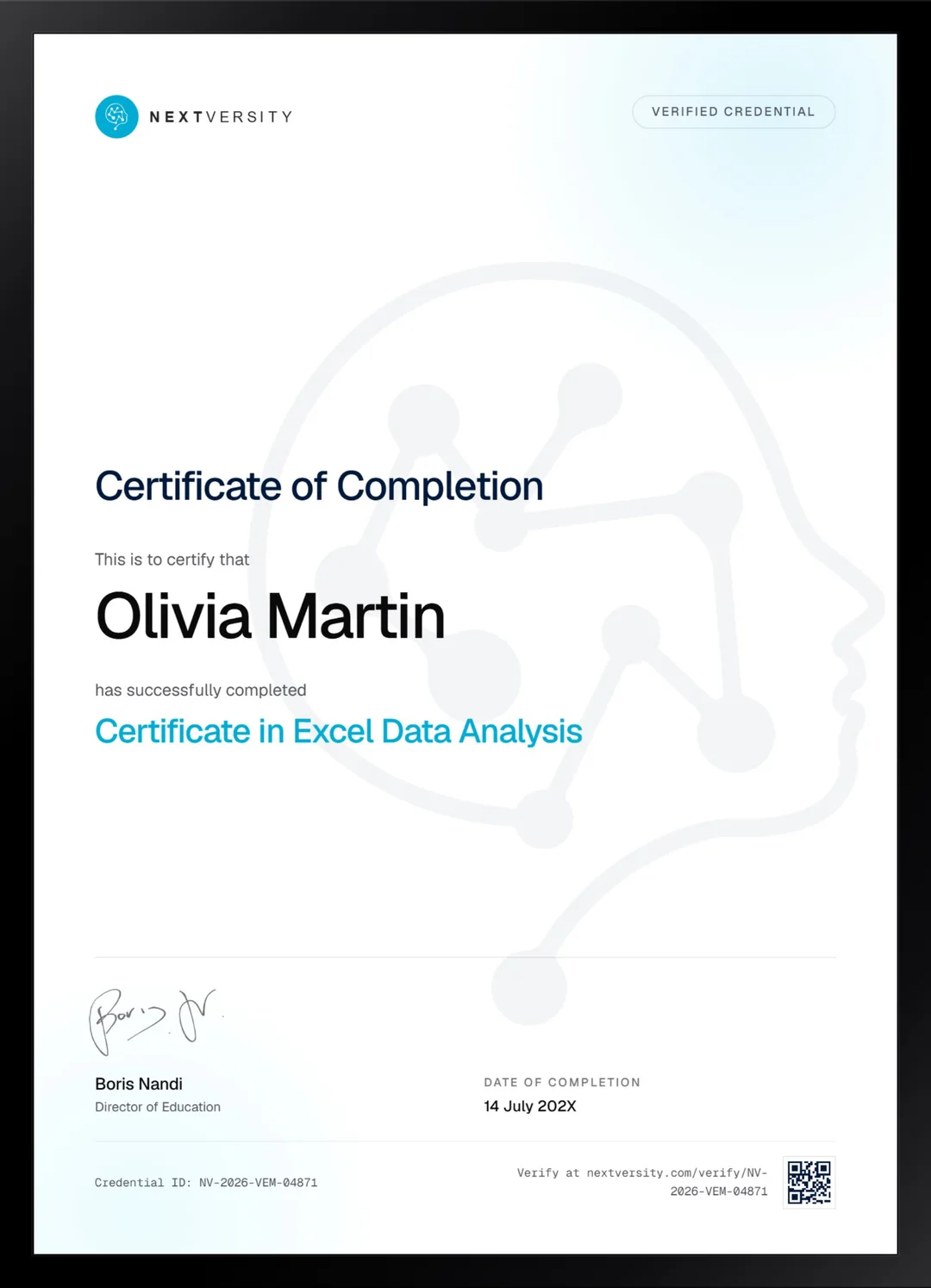
Finish the final module and your Excel Data Analysis certificate is issued automatically. Download it, share it with employers and clients, or add it to your resume and LinkedIn.
Where this can take you
Skills from this school show up in roles like these. The certificate proves you finished; the projects you build are what get you hired.
- Operations coordinator
- Project coordinator
- Data and reporting analyst
- Executive assistant
- Freelancer on Fiverr or Upwork
Enroll with confidence
Enroll with confidence
Full details in the refund policy. One subscription covers this course and every other course in all 8 schools.
Pair it with
More from the Business & Productivity school
 Certificate
Formulas, lookups and PivotTables, then charts, dashboards and maps, built in your own workbook.
125 lessonsSelf-pacedCertificate
 Intro
IntroSpreadsheets from the very start: cells, formatting, formulas and functions, then charts and two builds from a blank sheet.
96 lessonsSelf-pacedCertificate
FAQ
Common questions about the Excel data analysis course
What should I know before an Excel data analysis course?
Formulas and functions you can already write, plus comfort moving around a workbook. A short review module covers that ground rather than teaching it from scratch. If lookups and IF statements are still unfamiliar, take the Certificate in Microsoft Excel first. It is in the same subscription and this course starts where that one finishes.
Does this course cover Power Query and Power Pivot?
Both, with a module each. Power Query is the one that changes your working life: you build a cleaning process once and it runs on next month’s file without you touching it again. Power Pivot covers relating tables and writing measures that still behave correctly when the pivot slices them, which is where most self-taught users come unstuck.
Do I need to know how to code for the VBA modules?
No. The VBA half starts by recording a macro and reading the code Excel wrote for you, which is a genuinely gentle way into programming. From there you learn to rewrite it as your own procedure, with variables, workbook control and user interface elements. No prior programming experience is assumed anywhere.
Is VBA still worth learning?
For Excel automation inside an organization, yes. It is installed everywhere, it needs no permission from anyone, and it turns a recurring manual report into a button. Newer tools exist, and they usually need approval, licensing or IT involvement. VBA is the one you can put to work on Monday morning without asking.
Does the course cover forecasting and predictive analysis?
Yes, a module of it, and it is taught with the caveats attached rather than as a magic trick. You produce a forecast and then state what it assumes and where it would break. That habit is what separates analysis somebody can act on from a chart that happens to have a trend line on it.
How long does the Excel data analysis course take?
It is effectively two courses in one certificate, across 17 modules, so it takes a serious run. The analysis half and the VBA half are independent, so many people do one, apply it at work for a while, then come back for the other. It is self-paced with no deadlines either way.
Will this help me become a data analyst?
It covers a large share of what Excel-based analyst roles ask for: cleaning, PivotTables, Power Query, modeling, forecasting and automation. What actually gets people hired is showing analysis you did on real data and explaining your reasoning, which is why the course works one dataset repeatedly rather than showing tidy examples.
Free info pack
Not ready to enroll? Start with the guide.
The full curriculum for this course, what you'll build, and how it fits with the rest of the school, in one short guide.