
Business & Productivity school
Certificate in AI-Powered Presentations using PowerPoint
Stop starting from a blank slide. Start from a draft.
A short AI presentations course built around one workflow: research, outline, slide content, images, then assembly in PowerPoint. Every tool in it produces a draft, and the drafts still need you.
Overview
What this AI presentations course covers
This AI presentations course hands the model the work it does well and keeps the rest for you, which turns out to be most of the judgment. The result is that you stop starting from a blank slide at nine at night and start from a draft you can argue with instead.
One continuous worked example runs the pipeline: brainstorming, a research request scoped so the output is usable, slide content with presenter notes, then image prompts naming subject, setting, lighting and framing. One module uses no AI at all, and it is the one that decides whether the deck is any good, because generated content dropped into a bad template still looks like a bad deck. Copilot, two projects and a tour of the dedicated generators close it.
Outcomes
What you will be able to do
Requirements
Course requirements
- PowerPoint on a computer, which is where every deck actually gets assembled.
- Free accounts on the AI tools used. About a third of the course demonstrates paid tiers, each named as it arrives.
- No design training and no prompting experience. Both are taught from the beginning.
- One real presentation you need to give, because the projects work far better with a genuine brief.
Syllabus
AI-Powered Presentations using PowerPoint curriculum
18 recorded video lessons you follow along in the software, at your own pace. Quizzes through each module check what stuck, and a 20-question final exam earns your certificate.
1AI Presentation Design Foundations4 lessons · 3 videos · 2 quizzes
- Course Overview and Learning Expectations (reading)
- Understanding AI-Powered Presentations (video lesson, 10 minutes 7 seconds)
- Comparing Different AI Models (video lesson, 5 minutes 55 seconds)Quiz
- Introduction to AI Prompting (video lesson, 6 minutes 46 seconds)Quiz
2AI Prompting, Research and Content Creation4 lessons · 4 videos · 2 quizzes
- Brainstorming and Exploring Ideas with Gemini (video lesson, 19 minutes 3 seconds)
- Conducting Research and Analysis with ChatGPT (video lesson, 11 minutes 7 seconds)Quiz
- Creating Presentation Text Content with Grok (video lesson, 12 minutes 56 seconds)
- Generating Presentation Images with Sora (video lesson, 23 minutes 9 seconds)Quiz
3PowerPoint Presentation Assembly and Design3 lessons · 3 videos · quiz
- Selecting and Designing PowerPoint Templates (video lesson, 8 minutes 11 seconds)
- Importing and Placing Presentation Content (video lesson, 15 minutes 27 seconds)
- Applying Transitions and Animations (video lesson, 14 minutes 22 seconds)Quiz
4PowerPoint Copilot Workflow2 lessons · 2 videos · quiz
- Rapid Presentation Drafting with Copilot (video lesson, 10 minutes 33 seconds)
- Optimizing Presentations with Copilot (video lesson, 15 minutes 15 seconds)Quiz
5AI Presentation Project Applications2 lessons · 2 videos · quiz
- Creating a Conference or Keynote Presentation with Gemini (video lesson, 34 minutes 40 seconds)
- Creating a CV Presentation with Copilot and ChatGPT (video lesson, 19 minutes 1 second)Quiz
6AI Presentation Tools and Final Workflow Review4 lessons · 4 videos
- Creating Presentations with Gamma AI (video lesson, 5 minutes 17 seconds)
- Creating Presentations with Canva Magic Design (video lesson, 5 minutes 21 seconds)
- Using ChatGPT Agent Mode for Presentation Workflows (video lesson, 30 minutes 24 seconds)
- AI Presentation Workflow Summary (video lesson, 4 minutes 39 seconds)
Certificate
Earn a certificate you can show
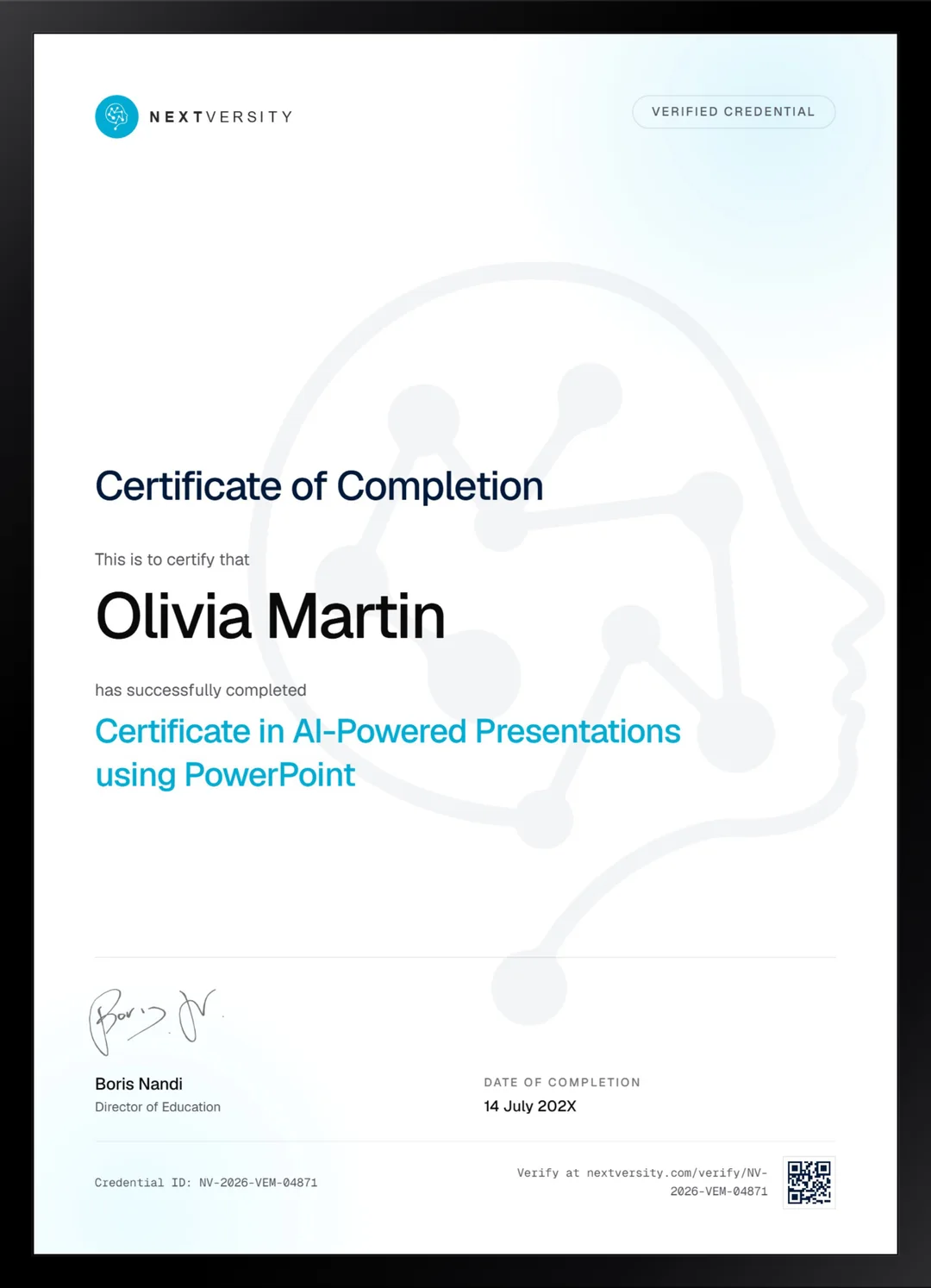
Finish the final module and your AI-Powered Presentations using PowerPoint certificate is issued automatically. Download it, share it with employers and clients, or add it to your resume and LinkedIn.
Where this can take you
Skills from this school show up in roles like these. The certificate proves you finished; the projects you build are what get you hired.
- Operations coordinator
- Project coordinator
- Data and reporting analyst
- Executive assistant
- Freelancer on Fiverr or Upwork
Enroll with confidence
Enroll with confidence
Full details in the refund policy. One subscription covers this course and every other course in all 8 schools.
Pair it with
More from the Business & Productivity school
 Certificate
Templates, photo editing, animation and charts, then kiosk decks, animated video and art made from slide shapes.
110 lessonsSelf-pacedCertificate
 Certificate
Build a Notion workspace from empty: real databases, a project plan in seven views, a budget tracker and shared permissions.
23 lessonsSelf-pacedCertificate
FAQ
Common questions about the AI presentations course
Can AI actually make a presentation for me?
It can make a draft, and that is genuinely useful. Every tool in this course produces something you then have to fix, and the fixing is where the hours go. What changes is the starting point: editing a mediocre draft is a far smaller job than facing an empty slide, and it happens much faster.
Do I need a paid Copilot subscription for this course?
For one module, yes. The Copilot lessons need a paid tier and the image lesson uses a paid tier too, so roughly a third of the course demonstrates paid tools. Each one is named on camera as it arrives rather than sprung on you, and the prompt structure transfers even without access.
Is this an AI course or a PowerPoint course?
Both, in that order. The AI work covers research, writing and images, and PowerPoint is where the deck actually gets assembled, with one module using no AI at all. That module matters most: generated content dropped into a badly chosen template still produces a bad presentation, and no prompt fixes that.
Which AI tools does the course use?
Several, deliberately, so you can see what each is best at rather than committing to one: tools for brainstorming and research, for slide content, for image generation, Copilot inside PowerPoint, then a couple of dedicated presentation generators. Comparing them is part of the lesson, because the answer changes every few months.
Will the course be out of date by the time I take it?
Parts of it already are, and the course says so on camera. Model names, tiers, prices, limits and button positions all move, and which tool is best at what changes constantly. The method does not, which is exactly why the course is built on the workflow rather than on a tour of any one product.
How long does the AI presentations course take?
Seven to nine hours if you build alongside, which is the only version worth doing. It is one of the shorter certificates here, and it pairs naturally with the full PowerPoint certificate in this school if you want the design craft underneath it. Both come with the same subscription.
Is there a certificate for this course?
Yes. Each of the first five modules ends with a challenge and a quiz at a 75% pass mark, and when every lesson and quiz is done the final exam opens: twenty questions, same pass mark. Passing issues a certificate with a verification code and a public link anyone can check.
Free info pack
Not ready to enroll? Start with the guide.
The full curriculum for this course, what you'll build, and how it fits with the rest of the school, in one short guide.