
Business & Productivity school
Certificate in Project Management Using Airtable
Five words hold this tool up: base, table, view, record, field.
This Airtable course builds a base rather than a prettier spreadsheet: several tables that reference each other, views that answer different questions off the same records, forms, automations and reporting.
Overview
What this Airtable course covers
Everybody has one: the file with too many tabs, where the same client name is typed in four places and two of them are now wrong. This Airtable course is about what to do with it. You build a base rather than a tidier spreadsheet, which means several tables referencing each other instead of repeating each other.
Five words hold the tool up, base, table, view, record and field, and getting them straight early is what makes everything afterward obvious. Then the things a spreadsheet cannot do: linked records so one fact lives in one place, views answering different questions off the same records, and forms so colleagues can add data without being let loose inside your structure. Automations and a reporting interface non-technical people can read finish it.
Outcomes
What you will be able to do
Requirements
Course requirements
- A browser and a free Airtable account. Nothing needs installing.
- No database experience. The course teaches the relational thinking as it goes.
- Comfort with a spreadsheet helps, since much of the value is in seeing where spreadsheets stop.
- One real set of data you are responsible for, ideally the spreadsheet that has already outgrown itself.
Syllabus
Project Management Using Airtable curriculum
21 recorded video lessons you follow along in the software, at your own pace. Quizzes through each module check what stuck, and a 20-question final exam earns your certificate.
1Airtable Setup and Project Management Foundations6 lessons · 5 videos · quiz
- Course Overview and Learning Expectations (reading)
- Understanding Airtable and Its Benefits (video lesson, 13 minutes 8 seconds)
- Setting Up an Airtable Account (video lesson, 12 minutes)
- Setting Up Workspaces and Navigating the Homepage (video lesson, 12 minutes 36 seconds)
- Understanding Bases, Tables, Views and Records (video lesson, 11 minutes 17 seconds)
- Practical Overview of Bases, Tables, Views and Records (video lesson, 15 minutes 42 seconds)Quiz
2Airtable Project Management Structure3 lessons · 3 videos · quiz
- Creating Tables for Project Management Phases (video lesson, 4 minutes 52 seconds)
- Populating and Customizing Tables and Fields (video lesson, 18 minutes 4 seconds)
- Introduction to Linked Records (video lesson, 5 minutes 30 seconds)Quiz
3Airtable Collaboration and Data Organization5 lessons · 5 videos · quiz
- Inviting Collaborators to Airtable (video lesson, 10 minutes 46 seconds)
- Commenting and Tagging Collaborators (video lesson, 5 minutes 48 seconds)
- Filtering, Sorting and Grouping Data Part 1 (video lesson, 6 minutes 55 seconds)
- Filtering, Sorting and Grouping Data Part 2 (video lesson, 5 minutes 35 seconds)
- Using Automations for Notifications and Reminders (video lesson, 3 minutes 5 seconds)Quiz
4Airtable Forms, Automations and Integrations5 lessons · 5 videos · quiz
- Introduction to Airtable Forms (video lesson, 7 minutes 17 seconds)
- Creating a Simple Airtable Form (video lesson, 8 minutes 26 seconds)
- Introduction to Automations and Integrations (video lesson, 8 minutes 56 seconds)
- Creating Airtable Automations (video lesson, 12 minutes 22 seconds)
- Creating Advanced Automations with Zapier (video lesson, 9 minutes)Quiz
5Reporting, Templates and Course Conclusion3 lessons · 3 videos
- Creating Project Reports and Dashboards (video lesson, 12 minutes 34 seconds)
- Exploring Airtable Templates and Use Cases (video lesson, 10 minutes 13 seconds)
- Course Recap and Best Practices (video lesson, 12 minutes 34 seconds)
Certificate
Earn a certificate you can show
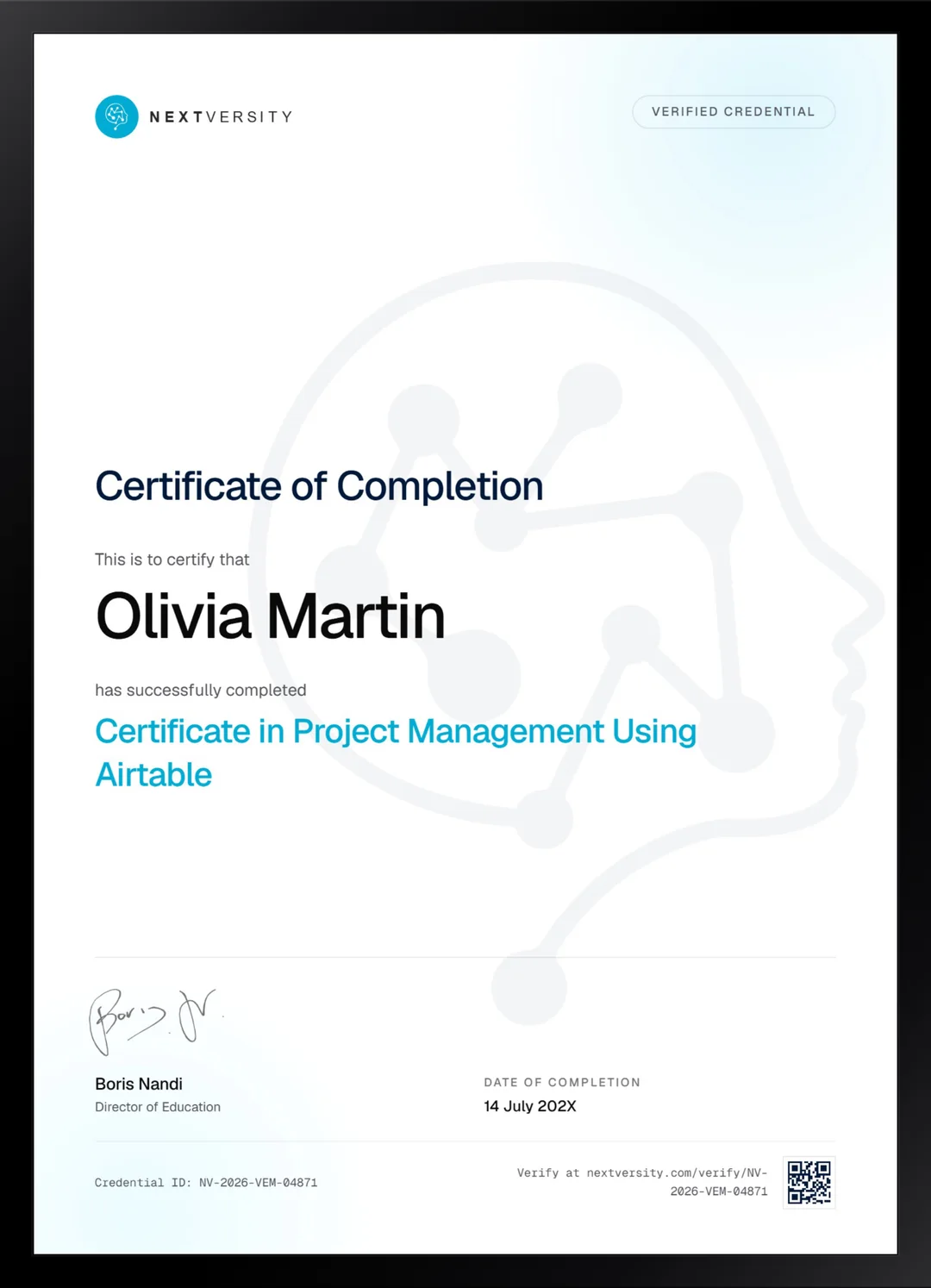
Finish the final module and your Project Management Using Airtable certificate is issued automatically. Download it, share it with employers and clients, or add it to your resume and LinkedIn.
Where this can take you
Skills from this school show up in roles like these. The certificate proves you finished; the projects you build are what get you hired.
- Operations coordinator
- Project coordinator
- Data and reporting analyst
- Executive assistant
- Freelancer on Fiverr or Upwork
Enroll with confidence
Enroll with confidence
Full details in the refund policy. One subscription covers this course and every other course in all 8 schools.
Pair it with
More from the Business & Productivity school
 Certificate
Build a Notion workspace from empty: real databases, a project plan in seven views, a budget tracker and shared permissions.
23 lessonsSelf-pacedCertificate
 Certificate
Build a monday.com board from a written plan, then add saved views, four kinds of automation and a dashboard people read.
19 lessonsSelf-pacedCertificate
FAQ
Common questions about the Airtable course
Is Airtable a database or a spreadsheet?
It is a database that looks like a spreadsheet, and the difference shows up the moment you link two tables. A spreadsheet stores the same client name in every row that mentions them. A base stores it once and points at it, which means correcting it once corrects it everywhere. That is the whole argument for learning it.
Do I need to know databases to learn Airtable?
No. The relational thinking is taught as you go, using a real project rather than abstract theory. If you have ever built a spreadsheet with a tab of reference data that other tabs look up, you already have the instinct. This course gives that instinct proper structure and a tool built for it.
Do I need a paid Airtable plan for this course?
A free account covers what is taught here. Airtable adjusts its plan limits from time to time, so check their current pricing rather than trusting a figure written on a course page. Nothing in these lessons is built around a feature that only exists on an expensive tier.
Airtable or Notion: which should I choose?
Airtable if the data is the point and it is genuinely relational, with facts that must not be retyped in three places. Notion if documents and tracking belong in the same workspace and you want the writing alongside the records. Both certificates are in one subscription, and the honest answer often only becomes clear after trying one.
Does the course cover automations and forms?
Both, with a module covering forms, automations and integrations together. Forms matter more than people expect: they let colleagues add data without being turned loose inside your structure, which is the most common way a carefully built system gets broken within a fortnight of being shared.
How long does the Airtable course take?
Six to eight hours if you build alongside, across five modules. It is self-paced with no deadlines. Bring the spreadsheet that has already outgrown itself and rebuild that instead of the case study, and you finish the course with the problem solved rather than with notes about how it could be.
Is a certificate included with the Airtable course?
Yes, in the subscription rather than as an extra. Module quizzes run at a 75% pass mark and never block your progress, and a twenty-question final exam opens once every lesson and quiz is complete. Passing issues a certificate with a verification code and a public link anyone can check.
Free info pack
Not ready to enroll? Start with the guide.
The full curriculum for this course, what you'll build, and how it fits with the rest of the school, in one short guide.